40
Ch3. System information
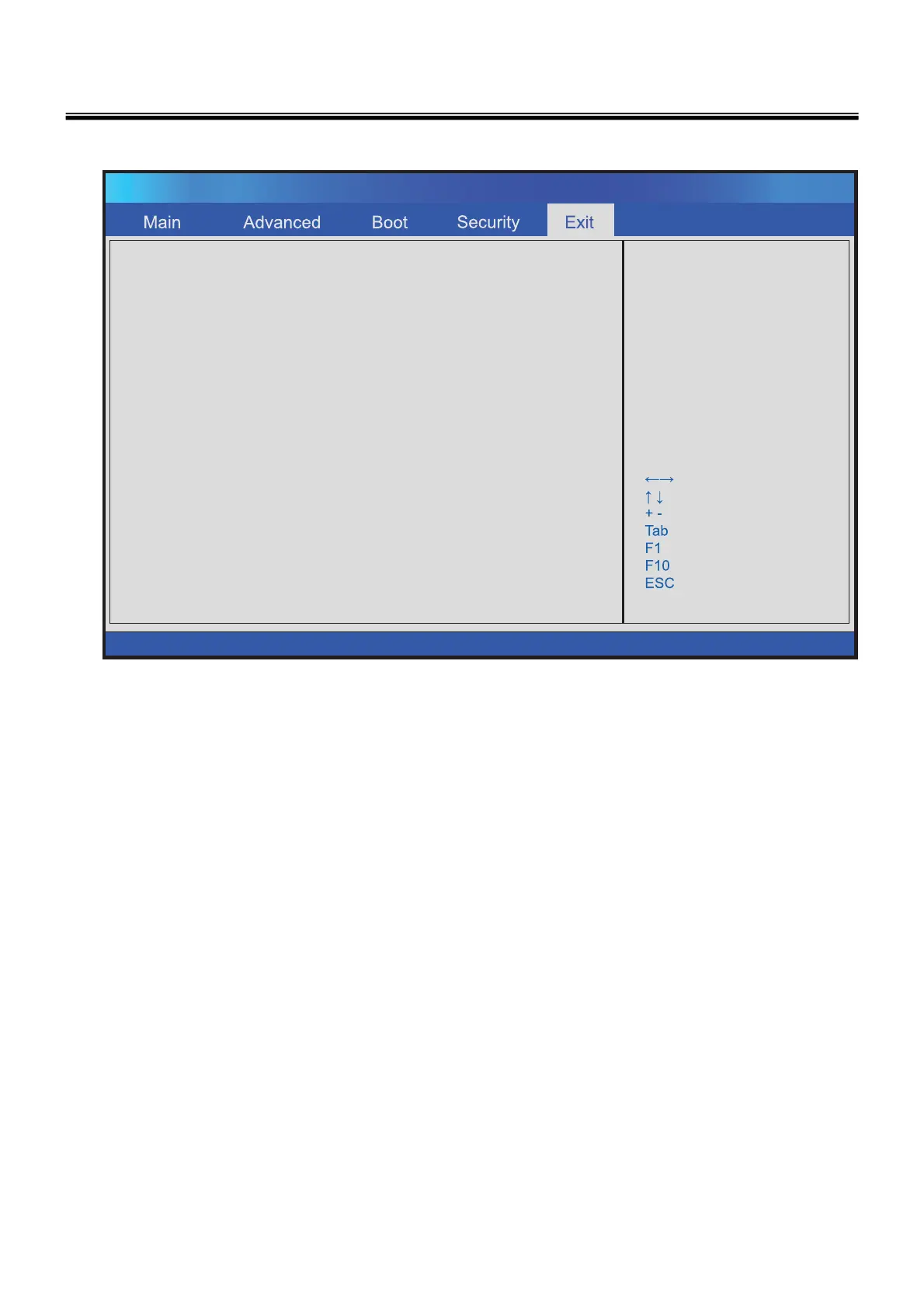
Exit menu
Exit & Save Changes
Exit & Discard Changes
Disard Changes
Load Setup Defaults
Exit system setup
after saving the
changes.
F10 key can be used
for this operatios.
Select Screen
Select Item
Change Field
Select Field
General Help
Save and Exit
Exit
BIOS SETUP UTILITY
v02.61 (C) Copyright 1985-2006, American Megatrends, Inc.
Exit & Save Change
Save the changes you have made and exit the utility.
Exit & Discard Changes
Exit the utility without saving the changes you have made.
Discard Changes
Abandon your changes and reload the previous configuration before running the utility.
Load Setup Defaults
Select this item to load the default settings for optimal system performance.



 To Next Page