13
SET UP
01
02
03
04
05
06
07
08
13
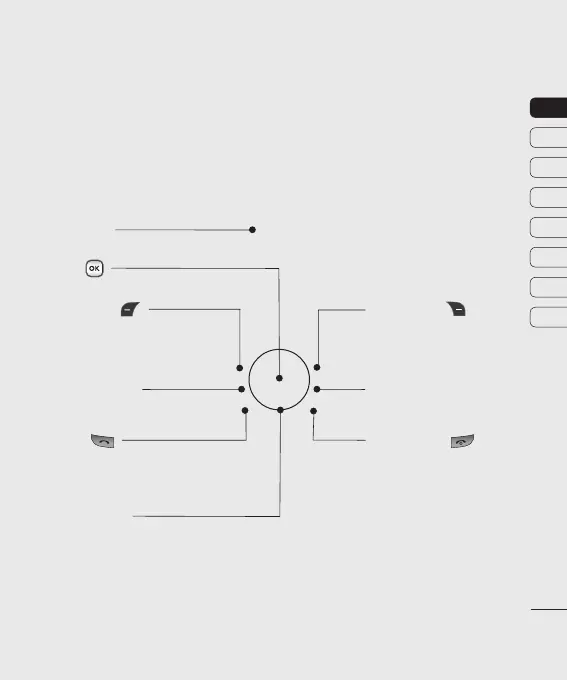
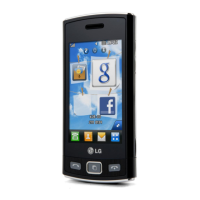
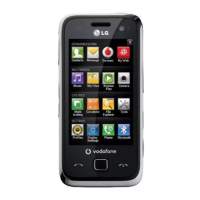
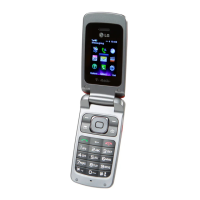
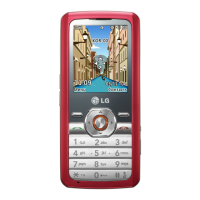
Getting to know your phone
Call key
Dials a phone number
and answers incoming
calls.
End/Power key
Ends or rejects a call. Turns the
phone on/off.
Returns to the Home screen when
you use the menu.
Main screen
Navigation keys
•
In standby mode:
Up: Browser menu.
Down: Contacts list.
Right: My files.
Left: Profiles menu.
•
In menu: Navigates between menus.
OK key
Right soft key
Goes to Vodafone live! directly.
Use this key to go back to a
previous screen.
Left softy key
Goes to Quick menu
directly.
Home screen Key
Goes to Home screen
or Menu.
Clear Key
Deletes a character with each press.


 To Next Page