51
Camera and Video
Taking a photo
1 Tap > > .
2 Frameyoursubjectonthescreen.
3 Asquarearoundthesubjectindicatesthatthecamerahasfocused.
4 Tap totakeaphoto.YourpicturewillbeautomaticallysavedtotheGallery.
Once you have taken a photo
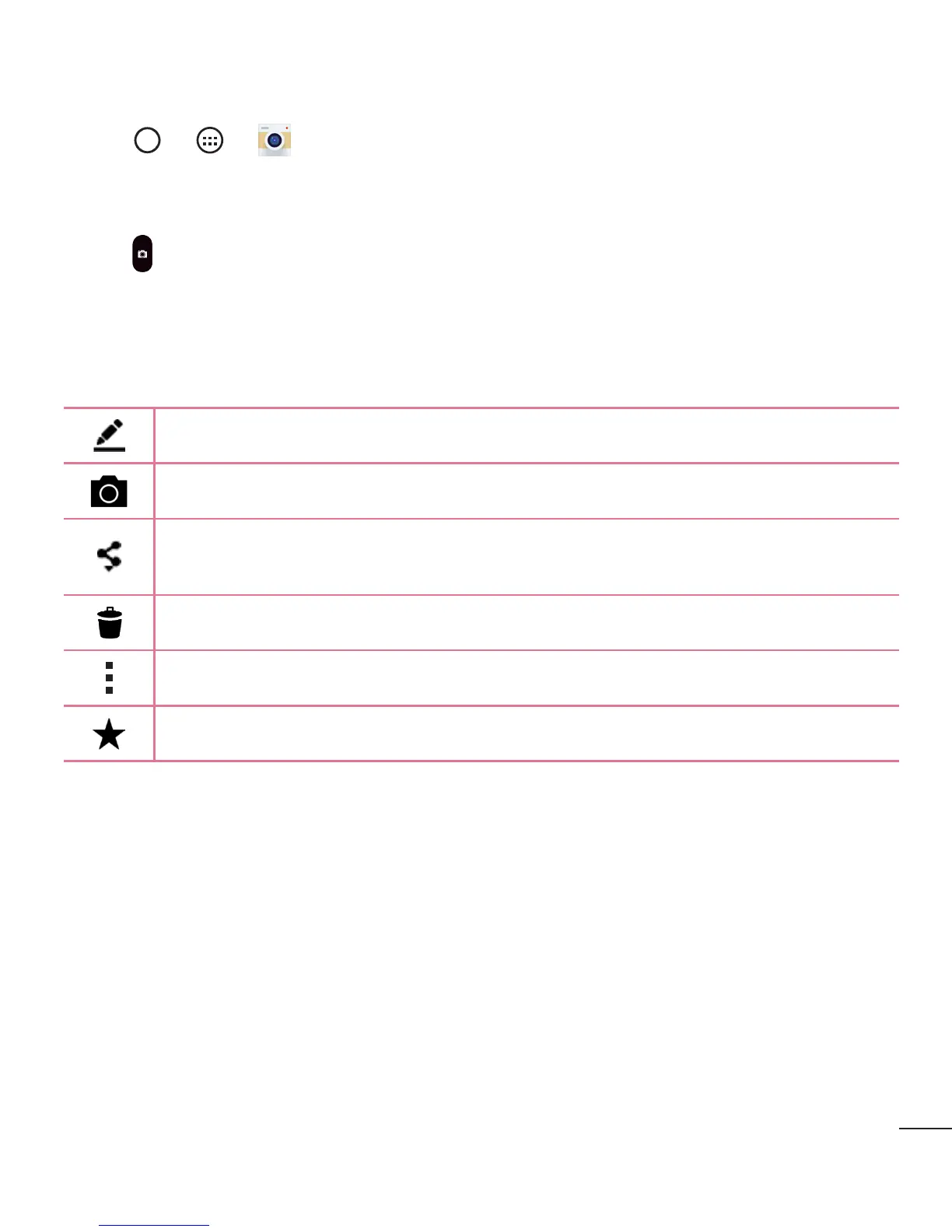
Taptheimagethumbnailonthescreentoviewthelastphotoyoutook.
Taptoeditthephoto.
Taptotakeanotherphotoimmediately.
Taptosendyourphototoothersorshareitviaanyavailablesocialnetwork
services.
Taptodeletethephoto.
Taptoaccessadditionaloptions.
Taptoaddthephototoyourfavourites.



 To Next Page