Custom-designed Features 18
Tracking focus while using the camera
You can track and maintain focus on an object while taking photos or
recording videos.
1
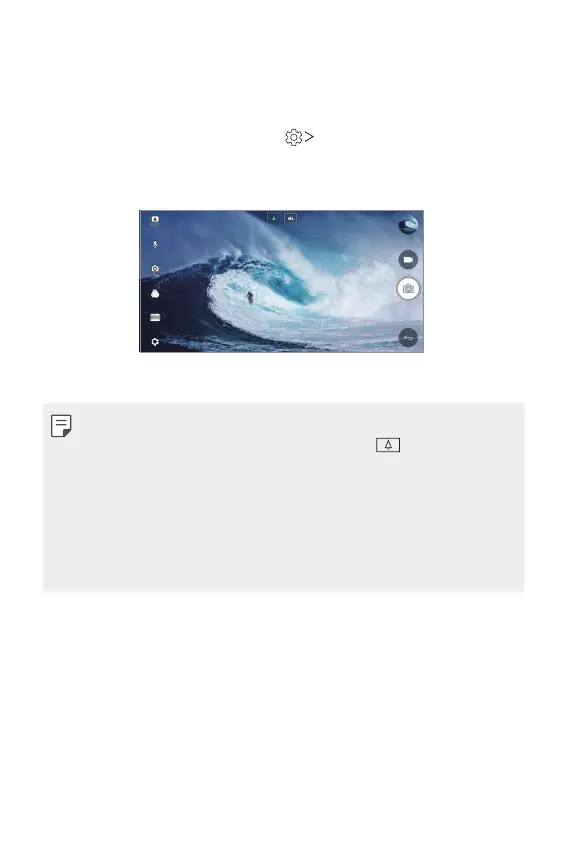
Launch the Camera app, then tap Tracking focus.
2
Before recording a video or taking a photo, lightly tap the screen to
select an object to focus on.
3
Take the photo or start recording your video.
• See
Starting the camera
for details.
• To use this feature, select the standard camera (
) for taking photos
or recording videos.
• This feature is unavailable when you use the front camera or the wide-
angle camera.
• This feature is unavailable in the following cases:
- Video size limitation: Resolution is set as UHD 16:9.
- FPS limitation: FPS is set as 60 FPS.



 To Next Page