Custom-designed Features 35
Overview screen
The Overview screen provides a preview of your recently used apps.
To view the list of recently used apps, tap
on the Home, then tap the
displayed app.
• Touch and hold an app and drag it to the top of the screen to start the
app with the Multi-Window feature. You can also tap
at the top of
each app.
Always-on Display
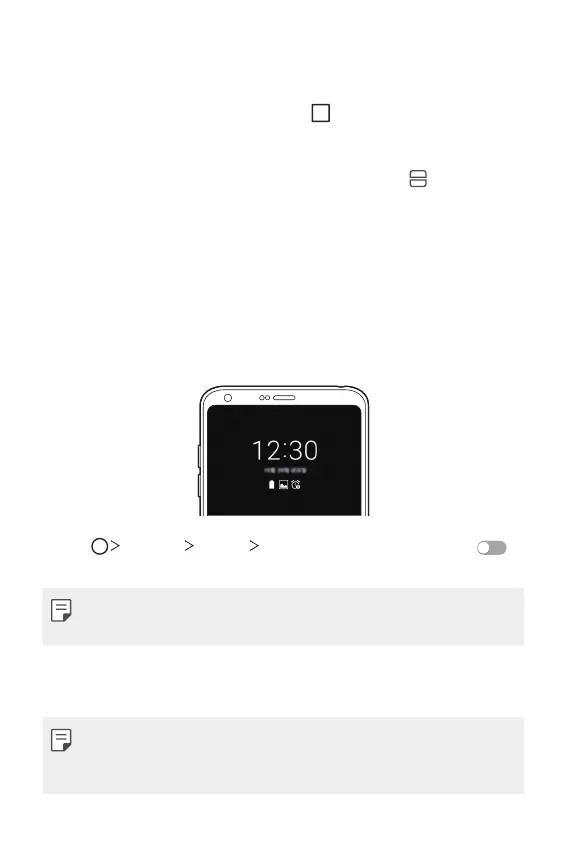
You can display the date, time, signature or other information on the
screen even when the main screen is turned off. Always-on Display is a
useful feature in order to check the time quickly and display your own
signature.
1
Tap Settings Display Always-on display and then tap
to activate it.
• This feature may be turned on when you purchase the device.
• The default setting may vary depending on the area and service provider.
2
Tap Content and select the item you want to display when the screen
is off.
• Make sure to check that your signature does not exceed the input field.
• The battery may drain faster when you use Always-on display. Turn off
this feature to use the battery longer.



 To Next Page