Useful Apps 104
Related content
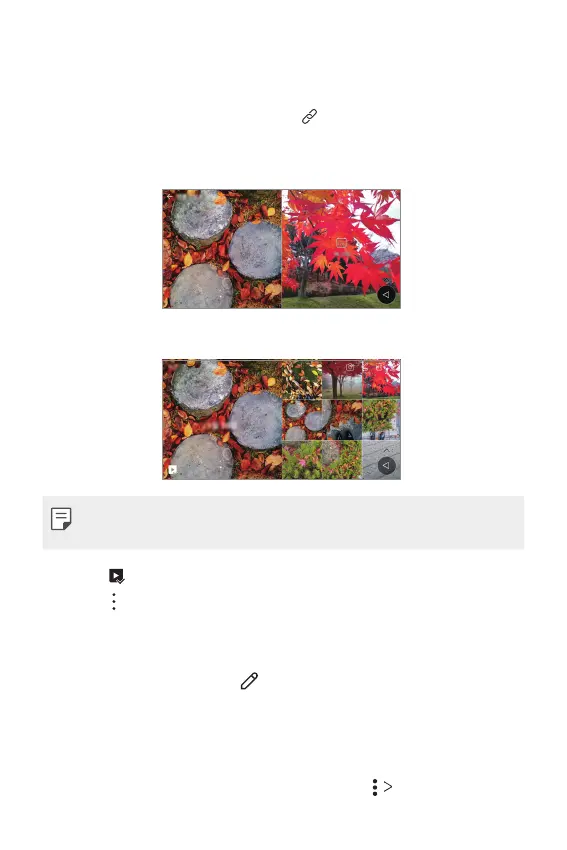
You can edit and customise related content in the Gallery.
1
While viewing a picture preview, tap .
2
When the icon related with the date you took the photo appears,
touch the screen.
• You can view the photos related with the date you chose.
• Related content can be related to up to four combinations of ‘Memories,
Date, Place, Camera mode’.
• Tap to save the related content as a video.
• Tap
to access additional options.
Editing photos
1
While viewing a photo, tap .
2
Use a variety of effects and tools to edit the photo.
3
Tap SAVE to save changes.
• The changes are overwritten to the original file.
• To save the edited photo as another file, tap
Save copy.



 To Next Page