EasyManua.ls Logo

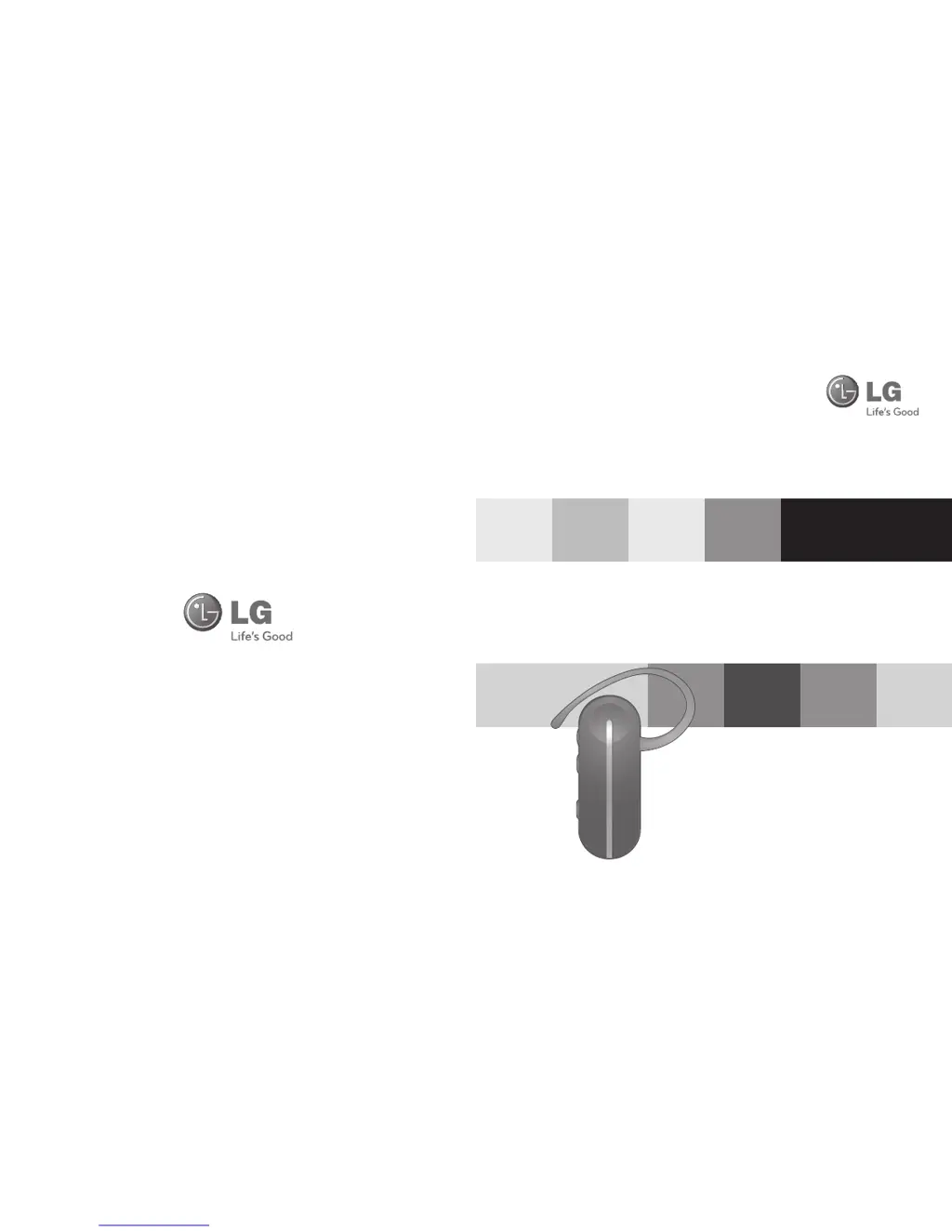
LG HBM-260 - User Manual

LG HBM-260
20 pages
Print Icon
To Next Page IconTo Next Page
Loading...
English
Español
www.lg.com
Rev 1.0 US
All rights reserved.
LG Electronics Inc., 2011
Note: For the best performance and to prevent
any damage to, or misuse of the HBM-260,
please read all of the information
carefully before to use.
Any modi cations or changes to this manual due to
typographical errors or inaccuracies of stated information
shall only be made by LG Electronics Inc.
LG Electronics
BLUETOOTH
®
Mono Headset
HBM-260
User Manual

Questions and Answers

  • J
    Joshua MeyersJul 28, 2025
    How to pair LG HBM-260 Headsets with Bluetooth device?
    • J
      Jody JohnsonJul 28, 2025
      If you're having trouble pairing your LG HBM-260 Headsets with a Bluetooth device, make sure the headset is in pairing mode. With the power off, press and hold the POWER button for 6 seconds to manually place the headset in pairing mode.
  • S
    Shannon AlvaradoAug 3, 2025
    What to do if I am not hearing audio streaming on LG Headsets?
    • G
      Gabriella StephensAug 3, 2025
      If you're not hearing audio streaming on your LG Headsets, check whether another device is currently streaming audio. If so, stop the other device from streaming.
  • S
    Shannon StewartAug 8, 2025
    How to fix LG HBM-260 Headsets that does not turn on?
    • M
      Mary GilesAug 9, 2025
      If your LG Headsets aren't turning on, there are a few things to check: * First, ensure the battery is fully charged by charging it. * Also, verify that the headset is actually powered on. Press and hold the POWER button for at least 3 seconds.
  • E
    Eric AndersonAug 14, 2025
    Why is the sound so low on my LG Headsets?
    • M
      meyeraliciaAug 15, 2025
      If you're experiencing low sound from the speaker on your LG Headsets, the first thing you should do is increase the volume level.
  • J
    jenningssherryAug 20, 2025
    What to do if I am unable to communicate with the LG HBM-260 Headsets?
    • J
      Jennifer BlankenshipAug 21, 2025
      If you're unable to communicate with your LG HBM-260 Headsets, it might be due to compatibility issues. Check whether your device supports the headset or hands-free Bluetooth profiles.

Summary

How to Use

Charging

Information on how to charge the headset and charging time.

Power On

Step-by-step guide to turn on the headset.

Power Off

Step-by-step guide to turn off the headset.

Pairing

Instructions for pairing the headset with a Bluetooth-enabled device.

Ending a Call

How to end an active phone call using the headset.

Audio Streaming (A2 DP)

Information on streaming audio and music via Bluetooth.

Calling

Answering a Call

How to accept an incoming call on the headset.

Making a Call

How to initiate a call from the paired phone.

Advanced Multipoint

Connection

Steps to connect the headset to two Bluetooth devices simultaneously.

Calling Function

How call functions operate when using multipoint.

Summary of Button Functions

Troubleshooting

Specification

Precautions

Additional Information

Important Safety Information

LG HBM-260 Specifications

General IconGeneral
BrandLG
ModelHBM-260
CategoryHeadsets
LanguageEnglish

Related product manuals