Using the VMIB
VMIBE User Guide | Using the VMIBE 03
REMOTE ACCESS
To access your messages remotely from the office. Dial your own DDI number, or have the operator
transfer you to your own extension.
When you hear your own personal greeting dial *, dial your 5 digit password when prompted.
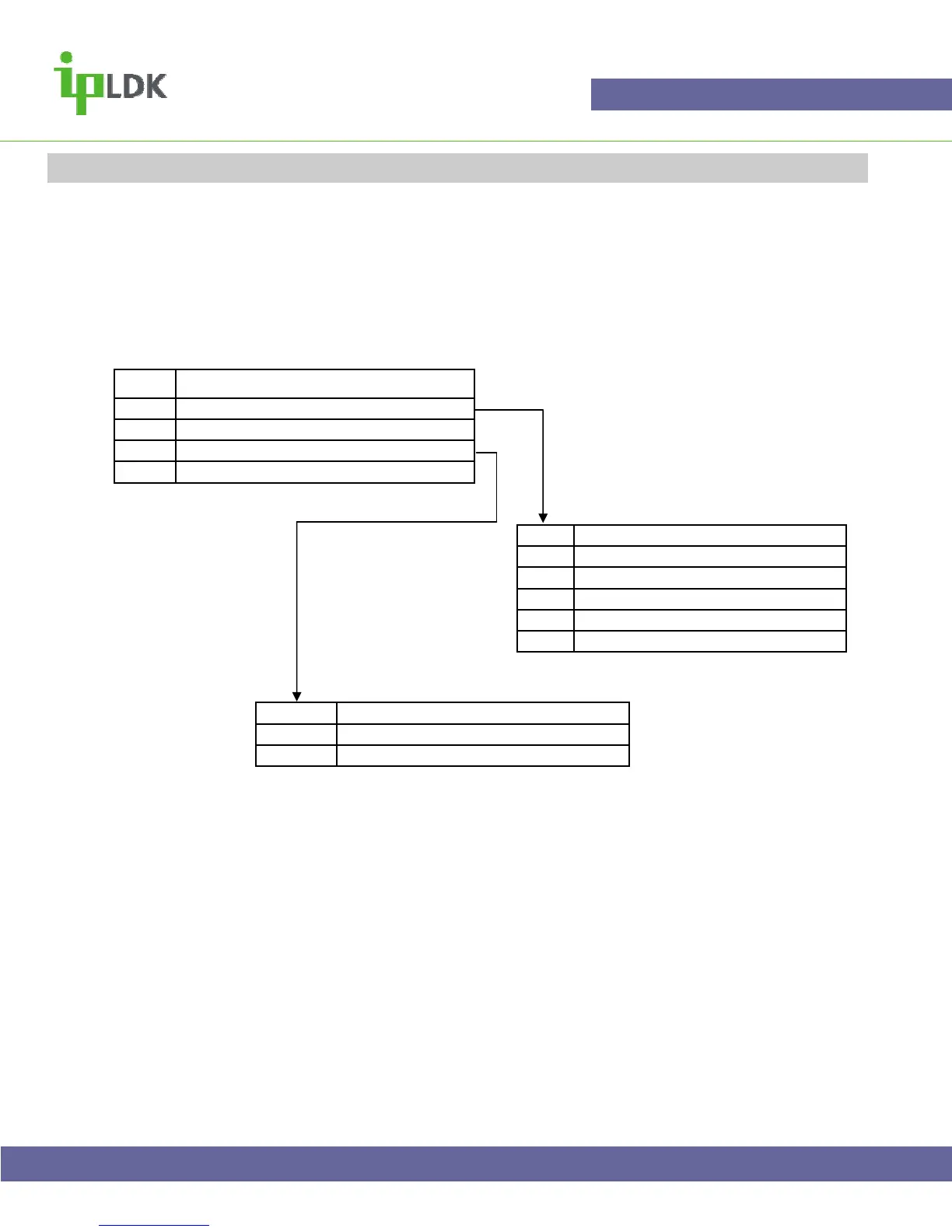
The system will then tell you if you have any messages. From this point you have access to the menu
shown below.
It is not possible to copy ( forward) messages when using remote access.
Dial
1 To listen to your messages
2 To listen to or change your greeting
3 To release your call forward
* To Exit
Dial
1 Listen to current message again
2 Listen to next message
3 Delete current message
4 Delete all messages
* Return to the main menu
Dial
# To start recording
* To save and return to main menu



 To Previous Page