EasyManua.ls Logo

LG LAC850M - User Manual

LG LAC850M
24 pages
Print Icon
To Next Page IconTo Next Page
Loading...
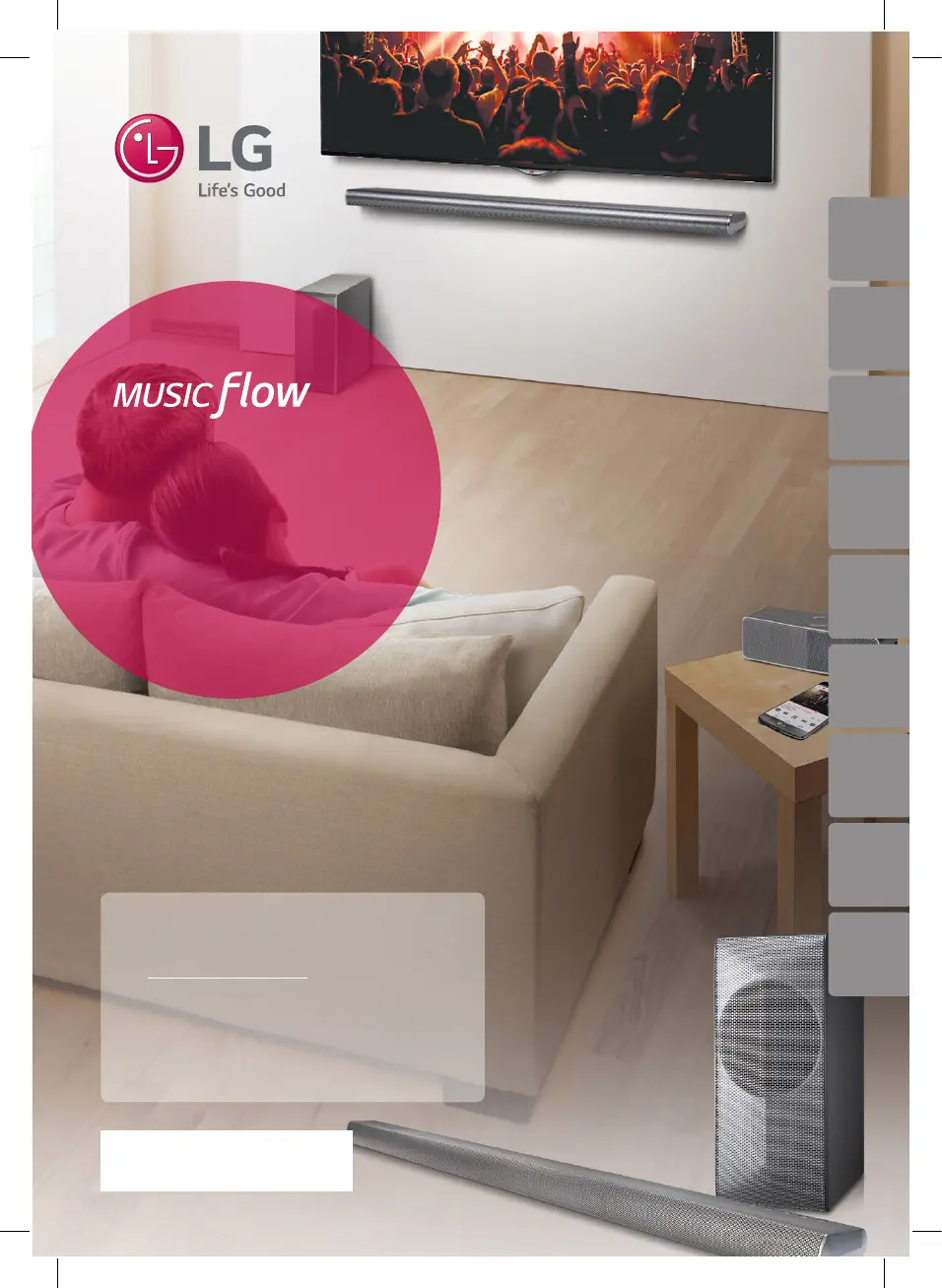
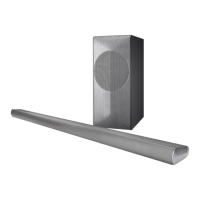
Model : MUSICFLOW HS7
LAC850M (HS7)
SMART Hi-Fi AUDIO
Wireless Multi-room Sound Bar
ENGLISH | SIMPLE MANUAL
To view the instructions of advanced features,
visit http://www.lg.com and then download
Owners Manual.
Some of the content in this manual may dier
from your unit.
The actual product may dier from the image.
*MFL68864984*
LAC850M (HS7)
www.lg.com
ENGLISH DEUTSCH
FRANÇAIS
NEDERLANDS SLOVENŠČINA
ITALIANO ESPAÑOL
ΕΛΛΗΝΙΚΑ
PORTUGUÊS

Questions and Answers

  • H
    hwatsonAug 12, 2025
    What to do if my LG LAC850M Speakers produce no sound?
    • E
      Eduardo GuzmanAug 12, 2025
      If your LG Speakers aren't producing sound, first ensure the volume isn't set to the minimum. If it is, adjust the volume. Also, check if the mute function is activated and deactivate it by pressing the mute button or adjusting the volume. Finally, verify that the correct input source is selected.
  • K
    Keith GuerreroAug 16, 2025
    What to do if my LG LAC850M Speakers unit does not work properly?
    • S
      sshepherdAug 16, 2025
      If your LG Speakers unit isn't working correctly, try turning off the power to both the unit and any connected external devices like TVs, woofers, DVD players, or amplifiers, and then turn them back on. If that doesn't work, disconnect the power cord of the unit and all connected external devices, and then reconnect them.
  • B
    Beth BryantAug 20, 2025
    Why is there no woofer sound from my LG Speakers?
    • W
      wesleysotoAug 20, 2025
      If you're not getting any woofer sound from your LG Speakers, first check that the subwoofer is securely plugged into the wall outlet. If it is, the pairing between the unit and the subwoofer may be disconnected. In that case, you should connect the unit and the subwoofer.
  • C
    christopher91Aug 23, 2025
    What to do if LG Sound Sync is not working with my LG Speakers?
    • L
      Lauren RobbinsAug 23, 2025
      If LG Sound Sync is not working with your LG Speakers, first verify that your LG TV supports LG Sound Sync. Then, check the LG Sound Sync connection. Finally, check the sound settings on both your TV and the LG Speakers unit.
  • D
    derek23Aug 27, 2025
    Why is my LG Speakers remote control not working?
    • M
      Michael BarrAug 27, 2025
      If the remote control for your LG Speakers isn't working correctly, make sure you are within 7 meters of the unit. Remove any obstacles between the remote and the unit. If it still doesn't work, replace the batteries in the remote with new ones.
  • M
    Melissa BakerAug 31, 2025
    How to troubleshoot the AUTO POWER function on LG LAC850M?
    • E
      eyangAug 31, 2025
      If the AUTO POWER function on your LG Speakers isn't working, check the connection of the external device such as a TV, DVD/Blu-Ray player, or Bluetooth device. Also, check the status of SIMPLINK and try turning it off. Note that depending on the connected device, this function may not operate.
  • T
    Tara ClarkSep 3, 2025
    How to fix LG LAC850M Music Flow PC Software when it doesn’t work properly?
    • A
      allenpaulSep 4, 2025
      If the Music Flow PC Software isn't working correctly, disable all firewalls on your PC or Mac and try to connect again. Also, ensure that both the speaker and your PC or Mac are correctly connected to the local area network and can access the internet. The wireless communication may be interrupted from household devices that are using radio frequencies, so move the speaker and your PC or Mac away from them.
  • F
    Felicia PadillaSep 8, 2025
    What to do if media servers are not displayed on the device list of my LG LAC850M?
    • J
      Jeffrey NobleSep 8, 2025
      If media servers are not displayed on the device list of your LG Speakers, try turning off the firewall or anti-virus software running on your media server. Also, make sure that the speaker is connected to the same local area network as your media server.

LG LAC850M Specifications

General IconGeneral
BrandLG
ModelLAC850M
TypeSoundbar
SubwooferYes
Wireless SubwooferYes
BluetoothYes
HDMI InputYes
Optical InputYes
USB PortYes
Wall MountableYes
AUXYes
Water ResistanceNo

Related product manuals