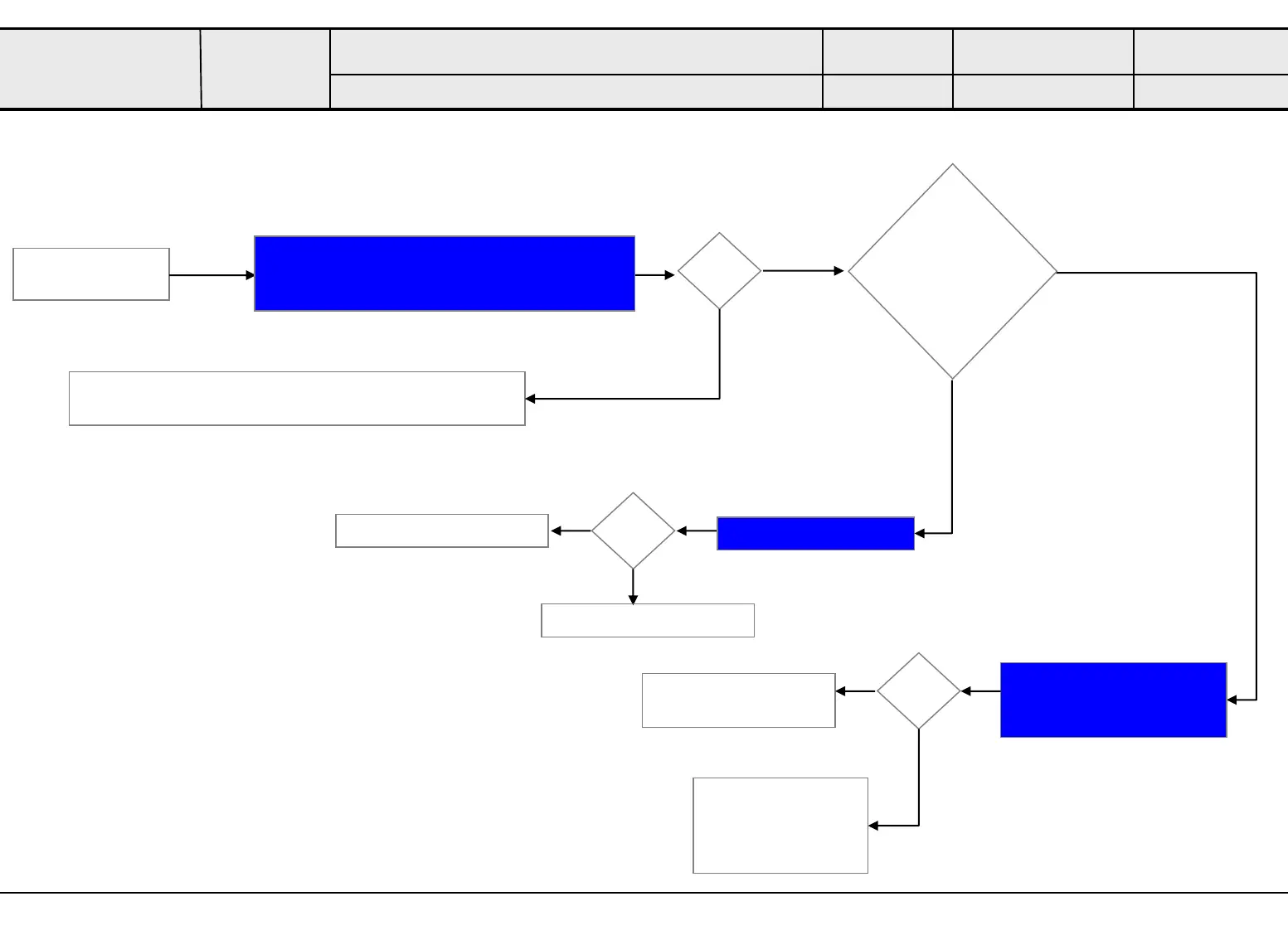
Standard Repair Process
B. Power error
No Power to partial screen
Established
date
Revised date
Error
symptom
☞B2
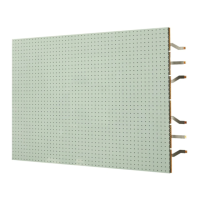
AIO136
LED SIGNAGE
OK?
partial screen
turns into black
Y
Make sure the cables below are properly connected
- DC POWER CABLE(Connect 3.8V PSU)
N
N
Check cable connection
Power connection between 3.8V PSU and Hub
Board
Replace HUB Board
Check HUB Board(3.8V)
Y
N
OK?
N
Y
Replace 3.8V PSU
Replace Power
Controller Board
Check connection AC cable
between left half and right
half cabinet
OK?
N
Y
Re-connection AC
cable between left
half and right half
cabinet
Multiple LDM remain
black screen?
☞B2
☞B3
6



 To Next Page