ENGLISH
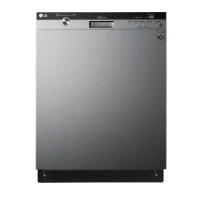
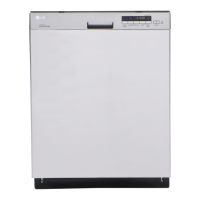
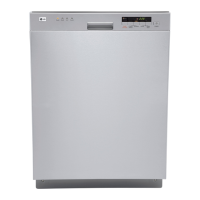
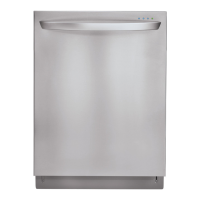
PARTS AND FEATURES
7
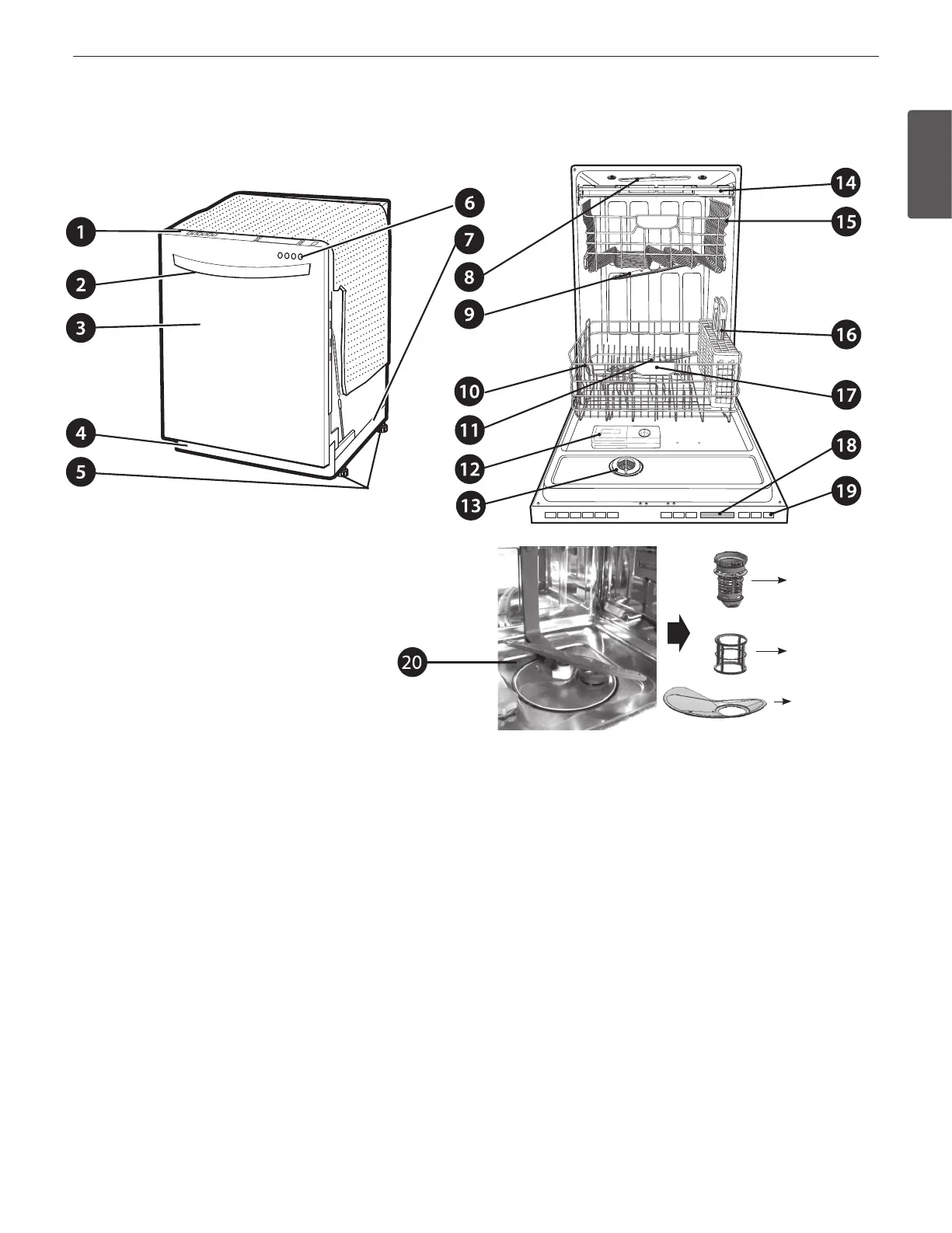
PARTS
1. CONTROL PANEL
2. DOOR HANDLE
3. FRONT COVER
4. LOWER COVER
5. LEVELING FEET
6. FRONT DISPLAY SIGNALIGHT™
7. BASE
8. TOP SPRAY ARM
9. UPPER SPRAY ARM
10. STEAM NOZZLE on steam models)
11. LOWER SPRAY ARM
12. DETERGENT AND RINSE AID DISPENSER
13. DRYING VENT COVER
14. CUTLERY RACK some models)
15. UPPER RACK
16. SILVERWARE BASKET
17. LOWER RACK
18. TOP DISPLAY
19. POWER BUTTON
20. FILTRATION SYSTEM
SIGNALIGHT (front display)
When a cycle is running, the SignaLight will illuminate for the
active stage.
• Modelwith4LEDs:WASH–RINSE–DRY–CLEAN
• Modelswith2LEDs:OPERATING-CLEAN
• Modelswith1LED:OPERATING(Flickering)/CLEAN
(Lighting)
Once the cycle is complete, the CLEAN light will illuminate for
four minutes.
To keep the CLEAN light on until the door is open, turn the
power on, and then press and hold the EXTRA DRY and HALF
LOAD buttons on the control panel simultaneously until O or
On appears in the display. The dishwasher will remember this
setting until manually changed.
Meshlter
Outerlter
Stainless
SteelFilter


 To Next Page
 Loading...