- 11 -
Getting Started
Unlocking Your Phone
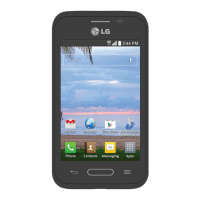
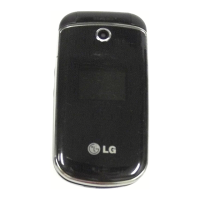
If you received your LN240 in the mail, you may need to unlock it before making calls.
1. Press the END/PWR Switch for 2~3 seconds.
2. Press soft key Unlock.
3. Enter your four-digit lock code. For security purposes, the code will not be visible as you type.
Note: If you can’t recall your lock code, try using the last four digits of your Social Security number, the
last four digits of your Phone Number or 0000.



 To Next Page