- 15 -
Menu Navigation
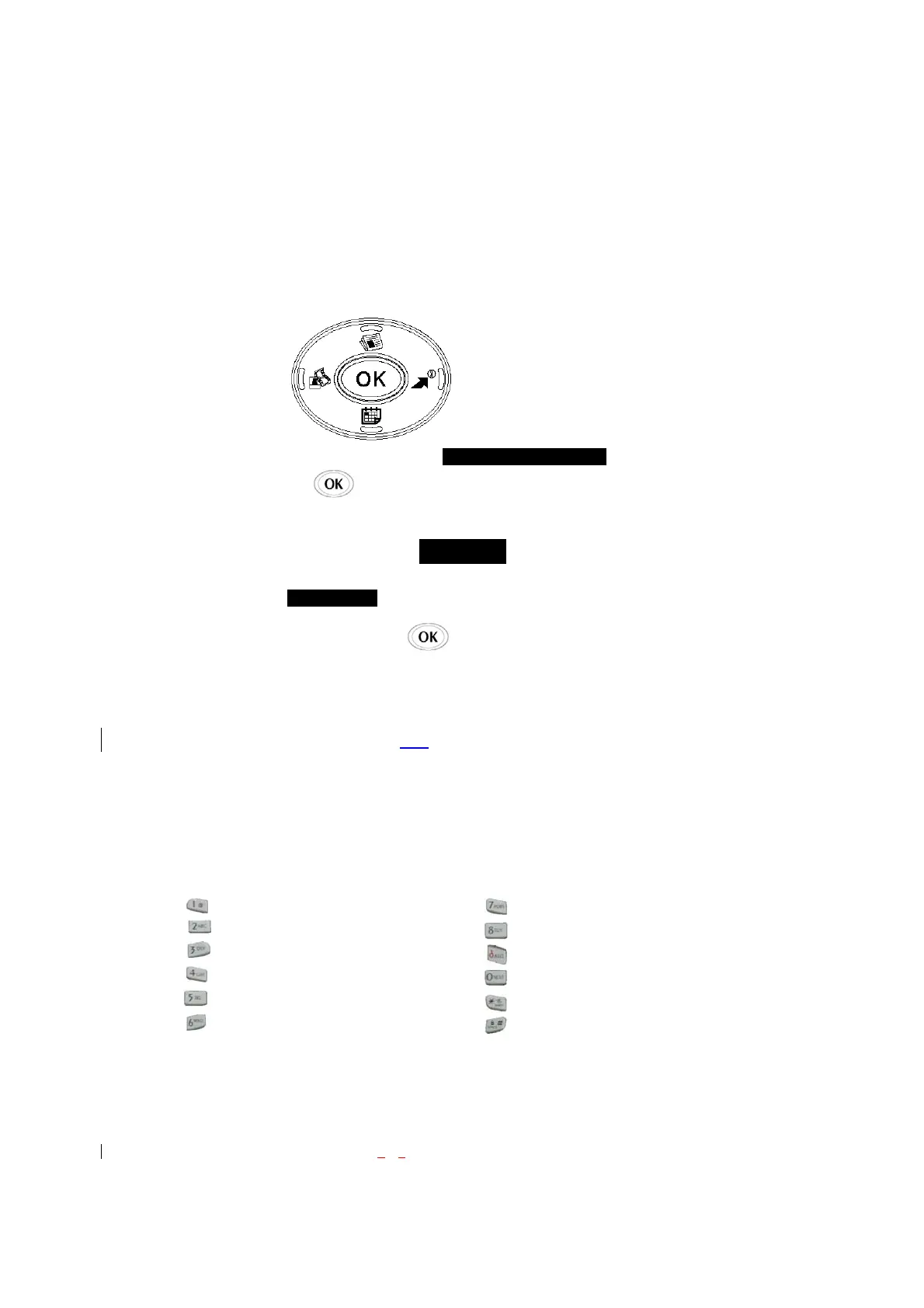
The Mouse Key lets you scroll circularly through menus quickly and easily.
As you navigate through a menu, the options are highlighted (Highlighted Test Example ) . Select an
option by highlighting it and pressing . The scroll bar at the right of the menu keeps track of your
position in the menu at all times.
For example, if you want to view your last incoming call:
1. From the Main Menu, select RECENT CALLS and press 2. (It may already be highlighted.)
2. Press the Mouse Key down to highlight and press .
If you have received any calls, they are displayed on the screen.
Entering Characters Using the Keypad(T9)
To ent er a let ter, pun ctuation or n umber when c reating P hone Bo ok or S cheduler ent ries, press t he
corresponding key until the desired character appears. By default, the firs t letter of a wor d is capitalized
and following letters are lowercase. Characters in the following order:
1 . ? , ‘ & - @ ( ) / ~ P Q R S 7 p q r s
A B C 2 a b c 2 T U V 8 t u v 8
D E F 3 d e f 3 W X Y Z 9 w x y z 9
G H I 4 g h i 4 Next 0
J K L 5 j k l 5 Shift
M N O 6 m n o 6 Space
Incoming
1 7
PQRS
9WXYZ
8TUV
6MNO
3DEF
ABC
1
*
0Space



 To Next Page