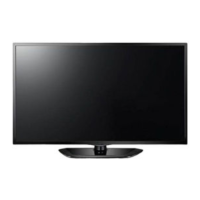
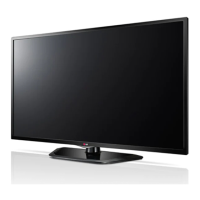
LED TV
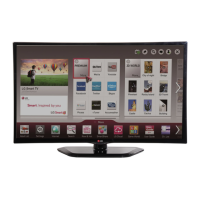
1080p Smart TV
LN5600 SERIES
LG's intuitive Magic Remote is a simple and fun way
to pick and choose what you want to watch. With
just a point and click or use LG's unique Voice Mate,
capable of recognizing how you naturally speak to
change the channel or access premium content
providers like Hulu Plus®, Netflix® and YouTube®
direct from your TV. Now, you can spend less time
navigating and more time on your entertainment.
Whether you create a network with your compatible
devices, access content stored in your LG Cloud or
use an NFC tag to connect, LG makes it easy for
you to share content with friends and family.
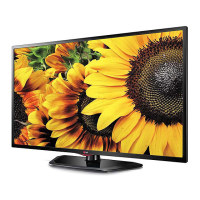
This stunning picture is the reason you wanted
HDTV in the first place. With almost double the pixel
resolution, Full HD 1080p gives it superior picture
quality over standard HDTV. You’ll see details and
colors like never before.

 Need help?

 To Next Page
 General