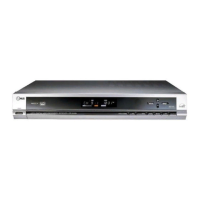
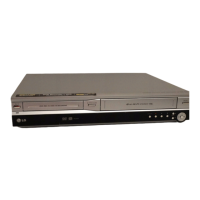
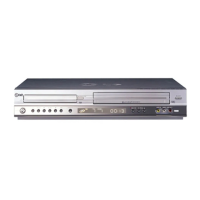
LV4280
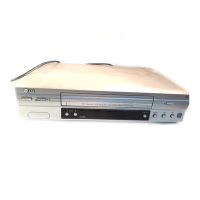
Introducing your Video Recorder and Remote Control
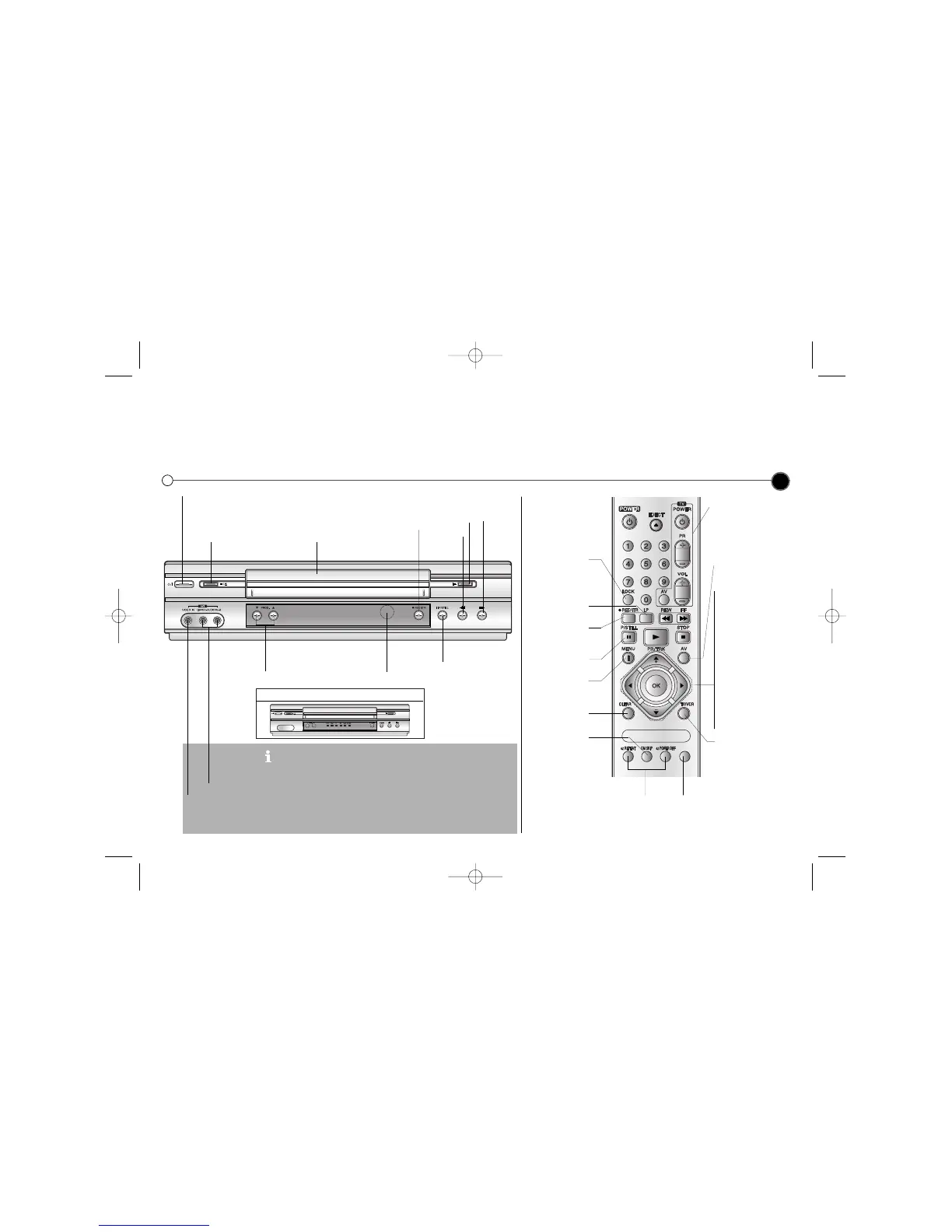
Most of your Video Recorder’s functions are accessed using the Remote Control. A summary of the functions of the main
buttons are shown below (right), other buttons are described elsewhere in this guide.
Basic functions of your Video Recorder can also be operated using the control panel on the front of your Video Recorder.
3
LV5000 Only : Video IN and Audio IN sockets are for connecting
devices such as Video Cameras, Games Consoles and other Video
Recorders. You will need to connect to them using an Audio Visual
cable.
LV5000 Only : Simulcast Recording (With SC mode by pressing AV):
Hi-Fi sound only recording using the Audio IN (L/R) sockets on the
front of your Video Recorder.
This feature enables you to simulcast sound transmitted by an audio
source and the picture transmitted by the TV station.
Don’t forget to install AAA type batteries in the Remote Control.
Video IN
Audio IN
To turn the Video Recorder on. After turning on, the Video Recorder can be operated by the
Remote Control
To stop or eject the tape
Tape Compartment
To rewind
a tape
To play a tape
To fast
forward
a tape
Select the channel you
want to watch.
Remote
Control
Sensor
To record the programme you are watching
To Pause a tape or
view it frame by frame


 To Next Page