#BTJD'VODUJPOT 46
Entering text
Using Smart keyboard
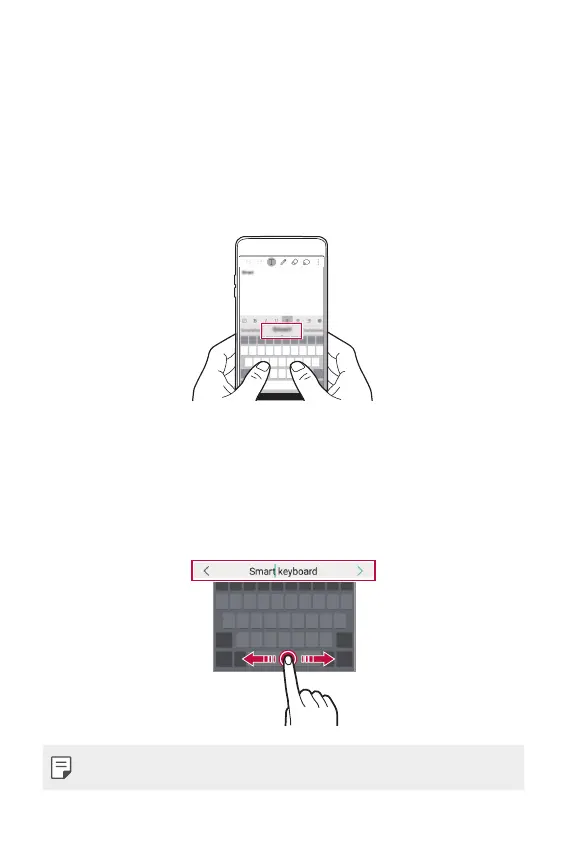
:PVDBOVTF4NBSULFZCPBSEUPFOUFSBOEFEJUUFYU
8JUI4NBSULFZCPBSEZPVDBOWJFXUFYUBTZPVUZQFXJUIPVUCPUIFSJOH
to alternate between the screen and a conventional keyboard. This allows
you to easily find and correct errors when typing.
Moving the cursor
8JUI4NBSULFZCPBSEZPVDBONPWFUIFDVSTPSUPUIFFYBDUQPTJUJPOZPV
want.
When typing text, tap and hold on the space bar and then drag left or
right until the cursor moves to the position you want in the text.
Ţ This option is available only on the QWERTY keyboard.



 To Next Page