Useful Apps 54
Uninstalling by using the settings menu
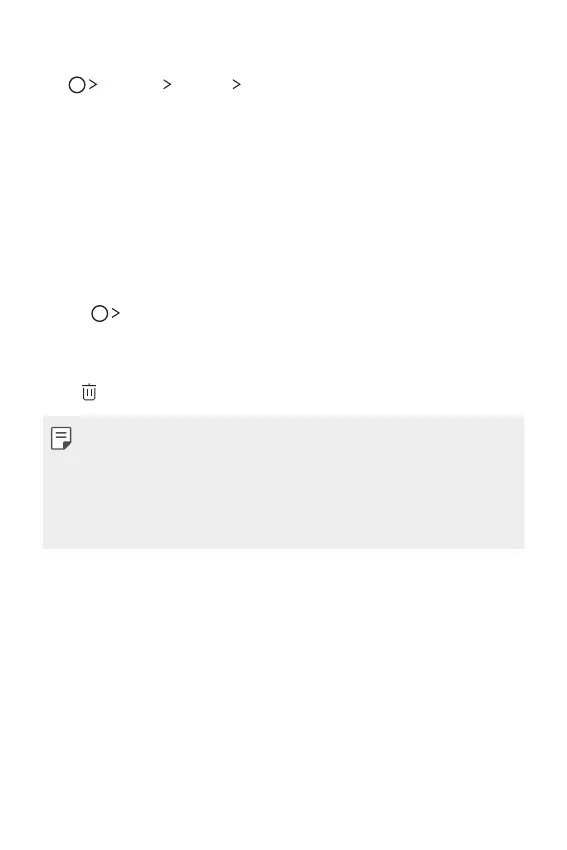
Tap Settings General Apps, select an app, then tap Uninstall.
Uninstalling apps from the Play Store
5PVOJOTUBMMBOBQQBDDFTTUIF1MBZ4UPSFGSPNXIJDIZPVEPXOMPBEUIF
app and uninstall it.
Uninstalled apps
:PVDBOWJFXUIFVOJOTUBMMFEBQQTPOUIF)PNFTDSFFO:PVDBOBMTP
reinstall apps which were uninstalled within 24 hours from now.
1
Tap Uninstalled apps.
2
Activate the desired function:
Ţ Reinstall: Reinstall the selected app.
Ţ
: Remove the uninstalled apps permanently from the device.
Ţ Uninstalled apps are automatically removed from the device 24 hours
after they were uninstalled. If you want to reinstall the uninstalled apps,
you must download them again from the app store.
Ţ 5IJTGFBUVSFJTBDUJWBUFEPOUIFEFGBVMU)PNFTDSFFOPOMZ*GZPV
VOJOTUBMMBQQTXIJMFVTJOHUIF&BTZ)PNFTDSFFOPSPUIFSMBVODIFSUIFZ
are immediately and permanently removed from the device.



 To Next Page