Useful Apps 66
Editing photos
1
While viewing a photo, tap .
2
Use a variety of effects and tools to edit the photo.
3
Tap to apply changes.
4
Tap SAVE to save changes.
Ţ The changes are overwritten to the original file.
Ţ To s a v e t h e e d i t e d ph o t o a s a n o t h e r f i l e , ta p
Save copy.
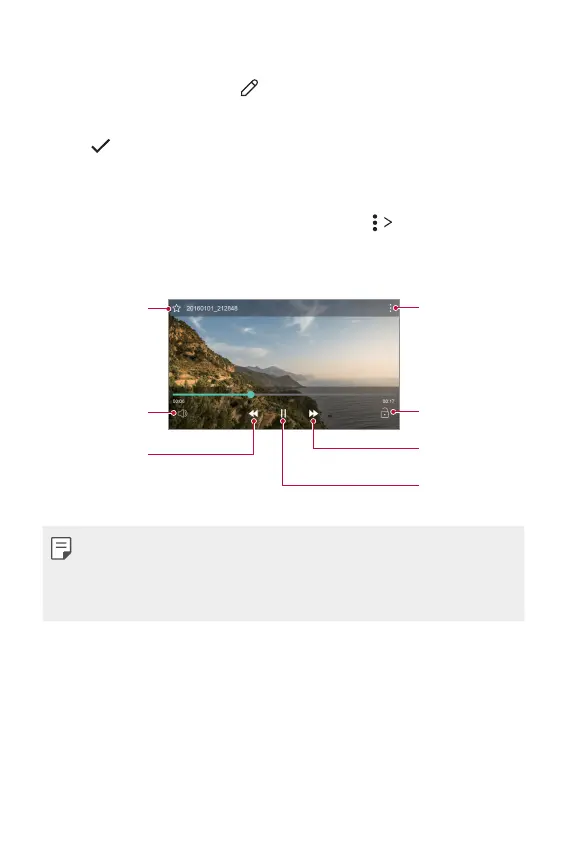
Playing a video
Lock or unlock the
screen.
'BTUGPSXBSE
UIF`WJEFP
Pause or play
UIF`WJEFP
Access additional
options.
Add or delete
favourites.
Adjust the sound
volume.
Rewind the video.
Ţ To adjust the sound volume, drag the right side of the video screen up
or down.
Ţ To adjust the screen brightness, drag the left side of the video screen
up or down.



 To Next Page