►User must use VGA cable (D-sub 15 pin cable) with ferrite cores to maintain standard compli-
ance for the product.
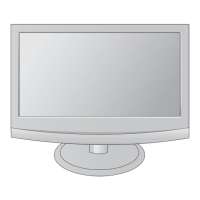
When connecting with a D-sub 15 pin cable
Connect the signal cable from the monitor output
socket of the PERSONAL COMPUTER to the PC
input socket of the set.
Connect the audio cable from the PC to the AUDIO
IN (RGB) sockets of the set.
Press the INPUT button to select RGB PC.
Switch on the PC, and the PC screen appears on
the set. The set can be operated as a PC monitor.
1
2
3
4
AUDIO
IN
(RGB)



 To Next Page
 Loading...