Music
S003
0:27 / 3:67
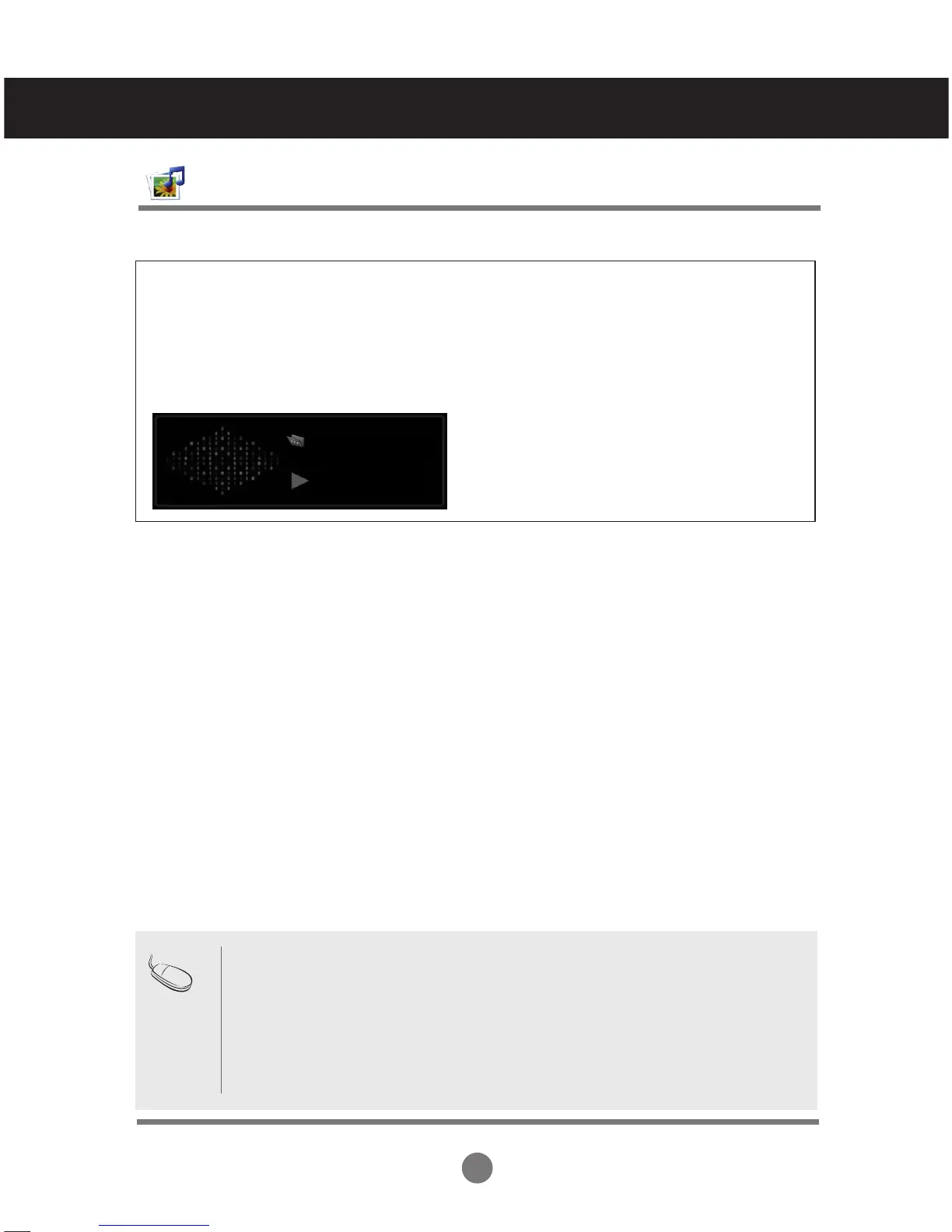
If you don't press any button for a while during playback the play information box (see below).
The ‘Screen Saver’?
Screen saver is to prevent screen pixel damage due to an fixed image remaining on the screen
for a extended period of time.
• A damaged or corrupted music does not play but displays 00:00 in playtime.
• A music downloaded from a paid service with copyright protection does not start but
displays inappropriate information in playtime.
• If you press OK, ■ buttons, screen saver is stopped.
• The PLAY(►), Pause(II), ■ , ►►, ◄◄ buttons on the remote control are also avail-
able in this mode.
• You can use the ►► button to select the next music and the ◄◄ button to select
the previous music.
Note
User Menus
Adjusts the USB options.



 To Next Page