16. TV/AV
selects the remote operating mode.
clears the menu from the screen.
switches the set on from standby.
17. TELETEXT BUTTONS (option)
These buttons are used for teletext.
For further details, see the ‘Teletext’ section.
18. LIST
displays the programme table.
19. Q.VIEW
returns to the previously viewed programme.
selects a favourite programme.
COLOURED BUTTONS : These buttons are used for teletext (only
TELETEXT models) or programme edit.
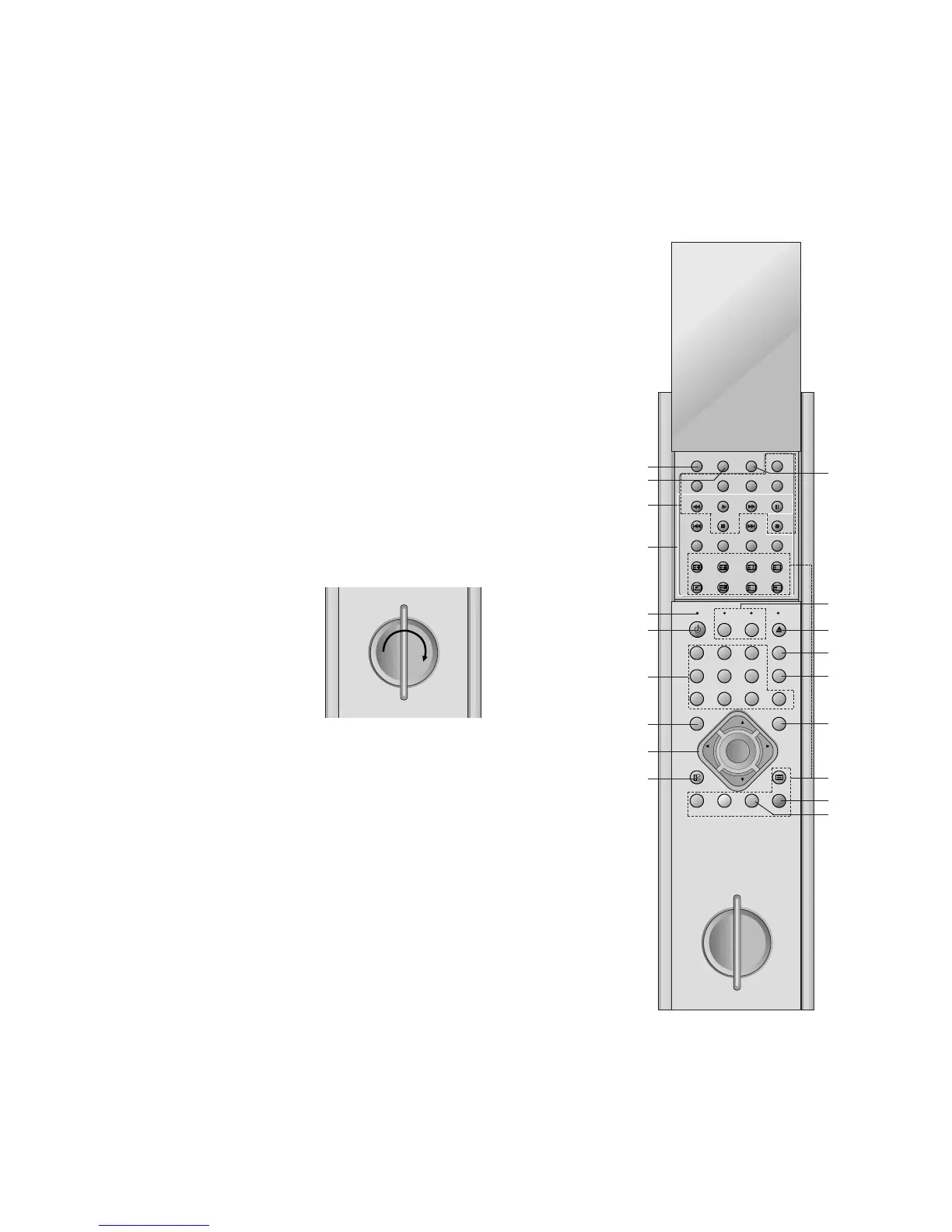
Internal generator charge
The communicator can be charged with the internal electric genera-
tor. To charge the communicator do the followings;
1. In first use,
20 rotation of the handle in the arrow direction as picture below
-> waiting for one minute -> 20 rotation again -> waiting for one
minute again -> 20 rotation again -> beginning to use
2. In usual use
20 or 25 rotation -> resuming to use
Note : Do not rotate the handle too rapidly for the protection of the
communicator.



 To Next Page