- 33 -
Copyright ©2011 LG Electronics. Inc. All right reserved.
Only for training and service purposes
LGE Internal Use Only
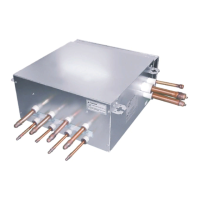
HR Unit PCB
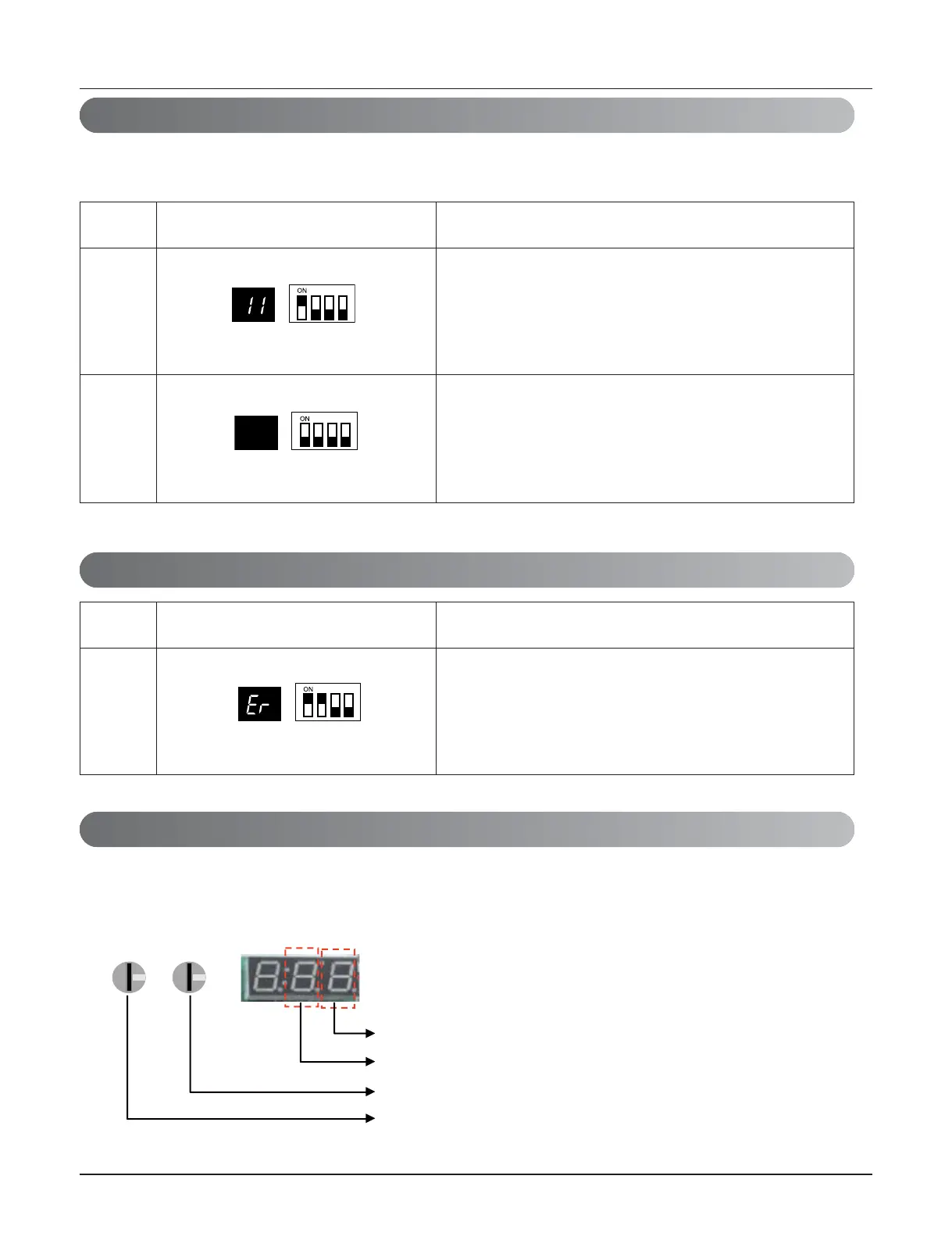
(In case that an indoor unit of central control address "11" is connected to a valve #1 of an
HR unit)
• Operation: Turn dip switch No.1 on.
• Display: "11" is displayed in 7-SEG
No.
1
2
Display and setup Setup and contents
• Operation: Turn dip switch No.1 on.
• 7-SEG disappeared
• Operation: more than 2 dip switches turned on.
• Display: "Er" is displayed in 7-SEG
No.
1
Display and setup Setup and contents
6. Example of Checking Valve Address
7. Identification of Manual Valve ID (Address)
8. Method of checking the pipe detection result at outdoor unit
1) Wait for 5 minutes, after Pipe detection is completed.
2) Turn on the No.10,14,16 DIP S/W of Sub PCB at master unit
3) Check the data on 7- segment, switching rotary 01,02.
The connected port number of HR unit
The connected HR unit number
The auto addressing number of indoor unit (digit of 1)
The auto addressing number of indoor unit (digit of 10)


 To Next Page