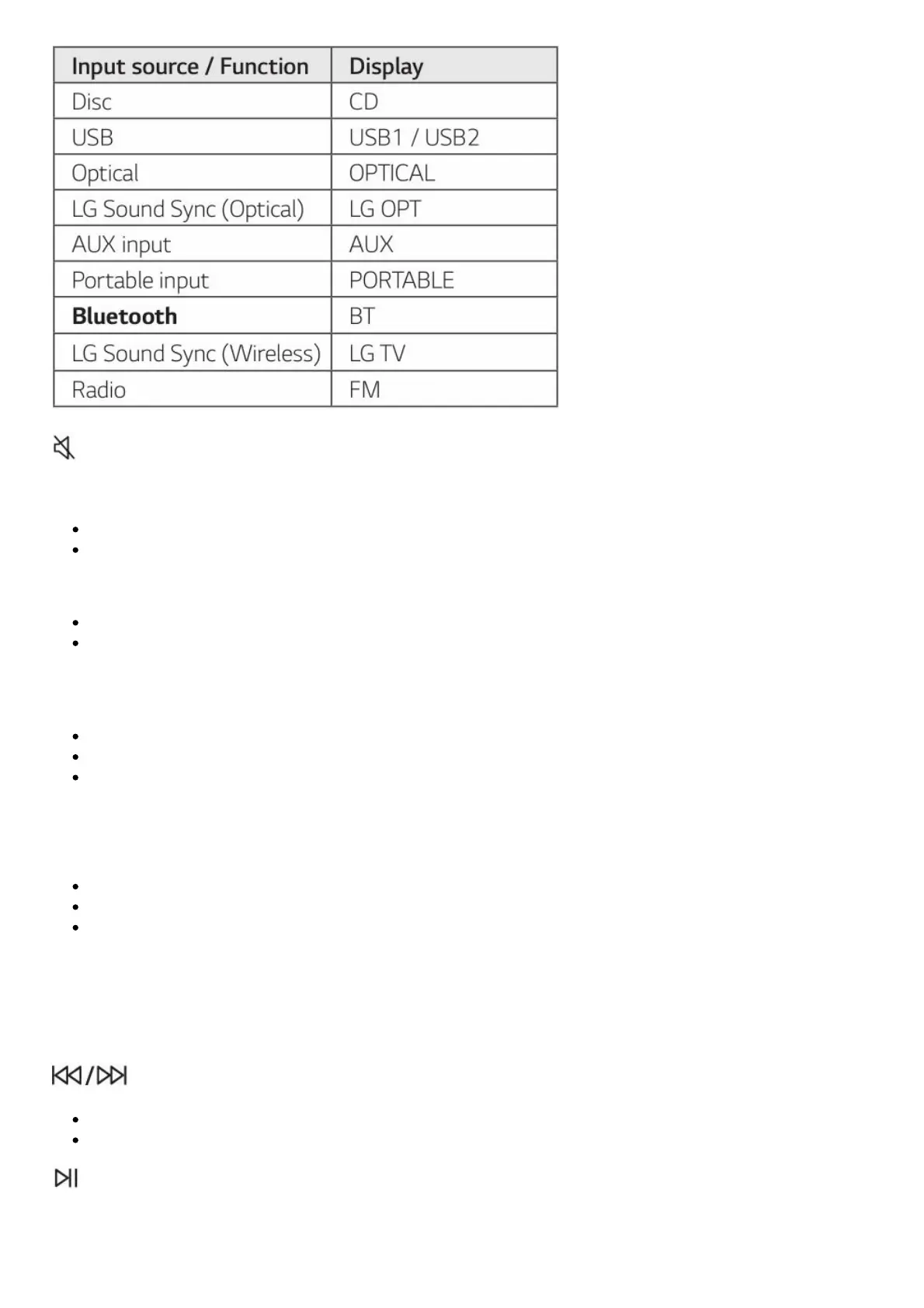
(Mute):
Mutes the sound.
Controls this unit using TV remote. (Page 35)
PRESET·FOLDER ∧/∨ :
Chooses a preset number for a radio station. (Page 29)
Searches for a folder of MP3/WMA files. When a CD/USB containing MP3/WMA files in several
folders is being played, press PRESET·FOLDER ∧/∨ to select the folder you want to play.
JUKEBOX/MEMORY :
Stores radio stations. (Page 29)
Selects JUKE BOX mode. (Page 33)
Makes JUKE BOX list.
AUTO DJ : Selects the AUTO DJ mode. (Page 22)
DELETE :
Deletes MP3/WMA files. (USB only). (Page 21)
Deletes a song on the JUKE BOX list.
Deletes all the saved stations.
• • • • • • • • • • • • • • (2) • • • • • • • • • • • • •
REPEAT : Listens to your tracks/files repeatedly or randomly.
TUNING -/+ : Selects the radio stations.
(Skip/Search) :
Skips backward or forward.
Searches for a section within a track/file.
(Play/Pause) :


 To Next Page