7
Using the Device Menu
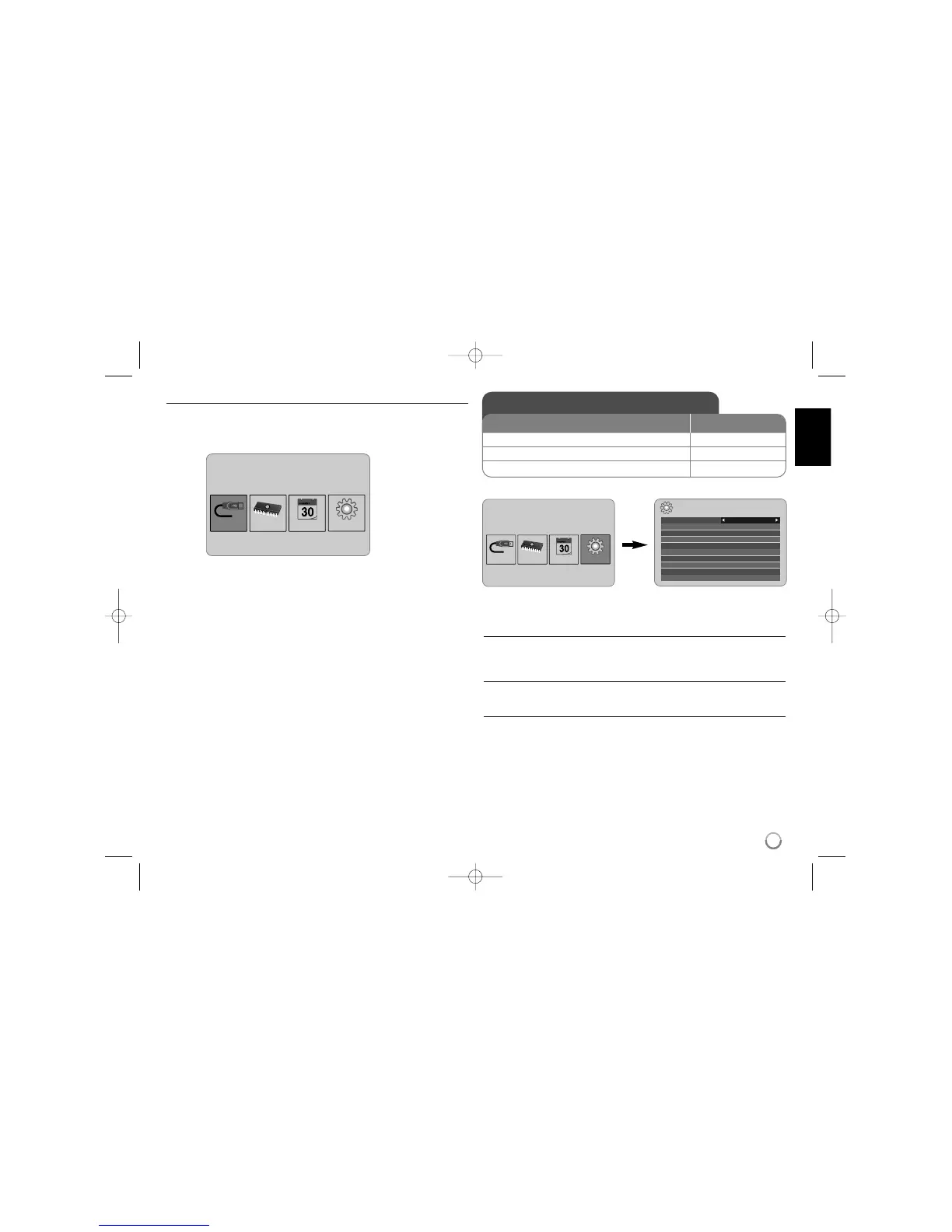
The Device Menu will appear when the unit is turned on and you can access the
Device Menu by pressing BACK repeatedly.
Use b VOLUME B to select an option on the [Device Menu] then press
ENTER.
• USB-C ..... USB-Z
You can play a file(s) using the connected USB device.
• SD/MMC/MS
You can play a file(s) in the external memory card.
• Flash
You can play a file(s) in the built in flash memory.
• Calendar
You can view the current date, clock and alarm information through calendar
screen.
• Set up
You can change the settings of the unit on the [Setup] menu.
Adjust the settings - more you can do
To display the [Setup] menu
Use the b VOLUME B buttons to select the [Setup] option on the [Device
Menu] then press ENTER.
[Language]
Select a language for the Setup menu and on-screen display.
[Slideshow time]
Specify how long each picture is displayed on screen in a slideshow;
3 seconds, 5 seconds, 15 seconds, 1 minutes, 15 minutes, 1 hour.
Setup
Language
Slideshow time 5s:
Slideshow mode Random:
Display mode Normal:
Time format 24h:
Time 2007 / 11 / 22 21 : 17:
Auto On 2007 / 11 / 22 00 : 00 Off:
Auto Off 2007 / 11 / 22 00 : 00 Off:
Alarm 00 : 00 Ring1 Off:
Default Reset:
English



 To Next Page