15
Entering Text
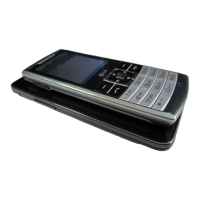
You can enter alphanumeric
characters by using the phone’s
keypad.
T9 Mode
The T9 predictive text input
mode lets you enter words
easily with a minimum number
of key presses. As you press
each key, the phone begins to
display the characters that it
thinks you are typing based on
the built-in dictionary.
123 Mode (Numbers
Mode)
Type numbers using pressing
and holding the button keys.
Symbol Mode
The symbol mode enables you
to enter various symbols or
special characters. To enter
a symbol, select
Options
➞
Insert Symbol. Use the
navigation keys to select the
desired symbol and press the
OK key.


 To Next Page