41
TROUBLESHOOTING
ENGLISH
TROUBLESHOOTING
Operation of your appliance can lead to errors and malfunctions. The following tables contain possible
causes and notes for resolving an error message or malfunction. It is recommended to read the tables
carefully below in order to save your time and money that may cost for calling to LG Electronics service
centre.
Before Calling for Service
Your appliance is equipped with an automatic error-monitoring system to detect and diagnose problems
at an early stage. If your appliance does not function properly or does not function at all, check the
following before you call for service.
Error Messages
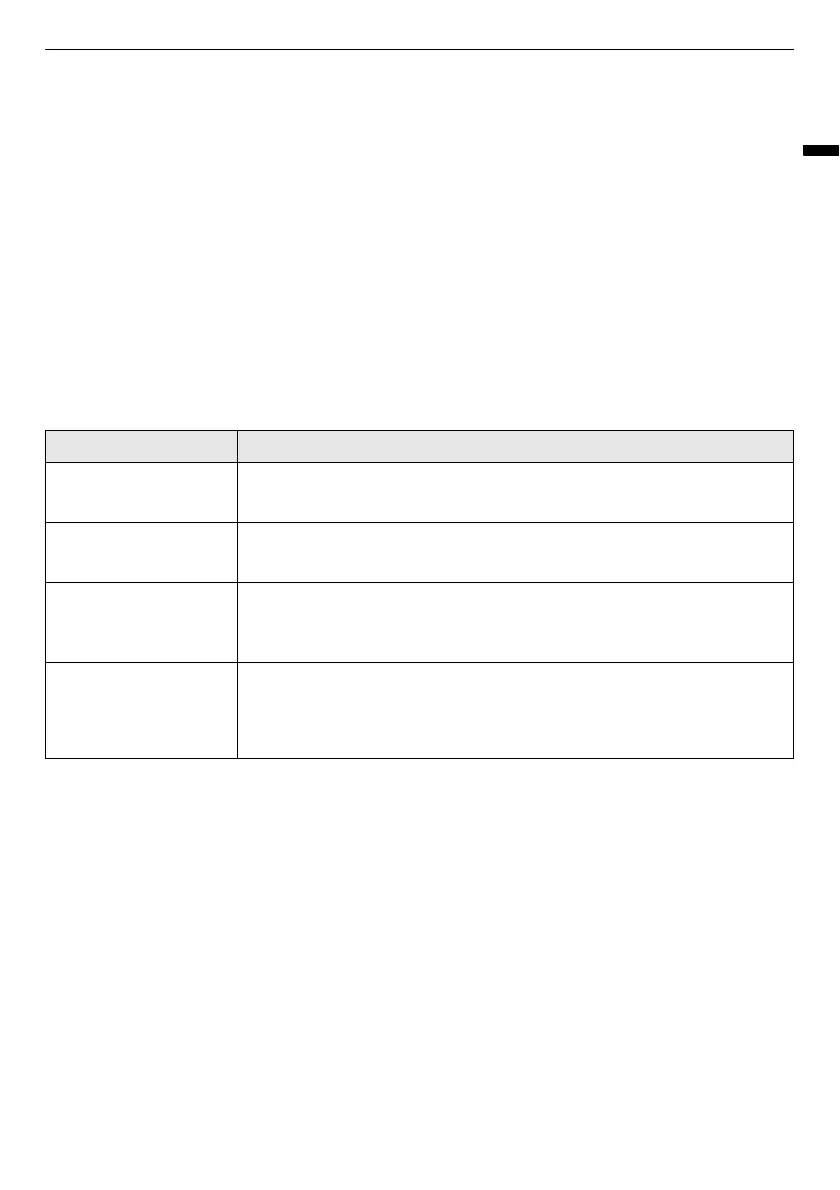
Symptoms Possible Cause & Solution
Fill Water icon is
blinking.
Water supply tank is empty or tank is missing.
• Fill the water supply tank and reinstall it.
Empty Water icon is
blinking.
Water drain tank is full or tank is missing.
• Empty the water drain tank and reinstall it.
dE
error message
shows on the display.
Door is not completely closed.
• Check that items are completely inside the cabinet and that the door is
tightly closed.
AE
,
LE
,
LEz
,
E1
,
E4
,
tE1
,
tEz
,
tE3
or
tEs
error
message shows on the
display.
System error.
• Unplug the appliance and call for service.


 To Next Page