6
Listening to CD - more you can do
Pausing or restarting a CD
1 Press i}} on the unit or ▶/ X on the remote control during playback.
2 Press the button again to resume play.
Searching for a section within a track
Press and hold "II/ii" on the unit or .bb/BB> on the remote
control during playback. And release it at the point you want to listen to.
Skipping to another track
Press "II/ii" on the unit or .bb/BB> on the remote control.
When "II button is pressed once midway through a track, the player
returns to the start of that track. When it is pressed again, a track is
skipped each time the button is pressed.
Resume play
- When you resume playback after stopping it, playback starts from the
point playback stopped.
- When you press ■ twice and then i}}, the first song is played back.
Program list
You can play tracks on a CD in order.
1 Press PROGRAM on the remote control in stop status.
2 Press "II/ii" on the unit or .bb/BB> on the remote control
to select a track.
3 Press PROGRAM on the remote control to save and select a next
track.
4 Press B/[] to play the programmed music files.
5 To clear your selection, press x and then x .
Sound quality adjustment
You can choose sound impressions. Press EQ repeatedly, the display
changes in the following order,
FLAT → AUTO EQ (Optional) → ROCK → POP → CLASSIC → XDSS →
FLAT → ...
Playable file requirement
MP3/ WMA
• Sampling frequency : within 16- 48 kHz(MP3) 32 - 48 kHz (WMA)
• Bit rate : within 32 - 320 kbps (MP3), 56 - 320 kbps (WMA)
• File extensions : “.mp3”/ “.wma”
• CD-ROM file format : ISO 9660 LEVEL 1 / JOLIET
• We recommend that you use Easy-CD Creator, which creates an ISO
9660 file system.
• You have to set the disc format option to [Mastered] in order to make the
discs compatible with the LG players when formatting re-writable discs.
When setting the option to Live File System, you cannot use it on LG
players.
(Mastered/Live File System : Disc format system for Windows Vista)
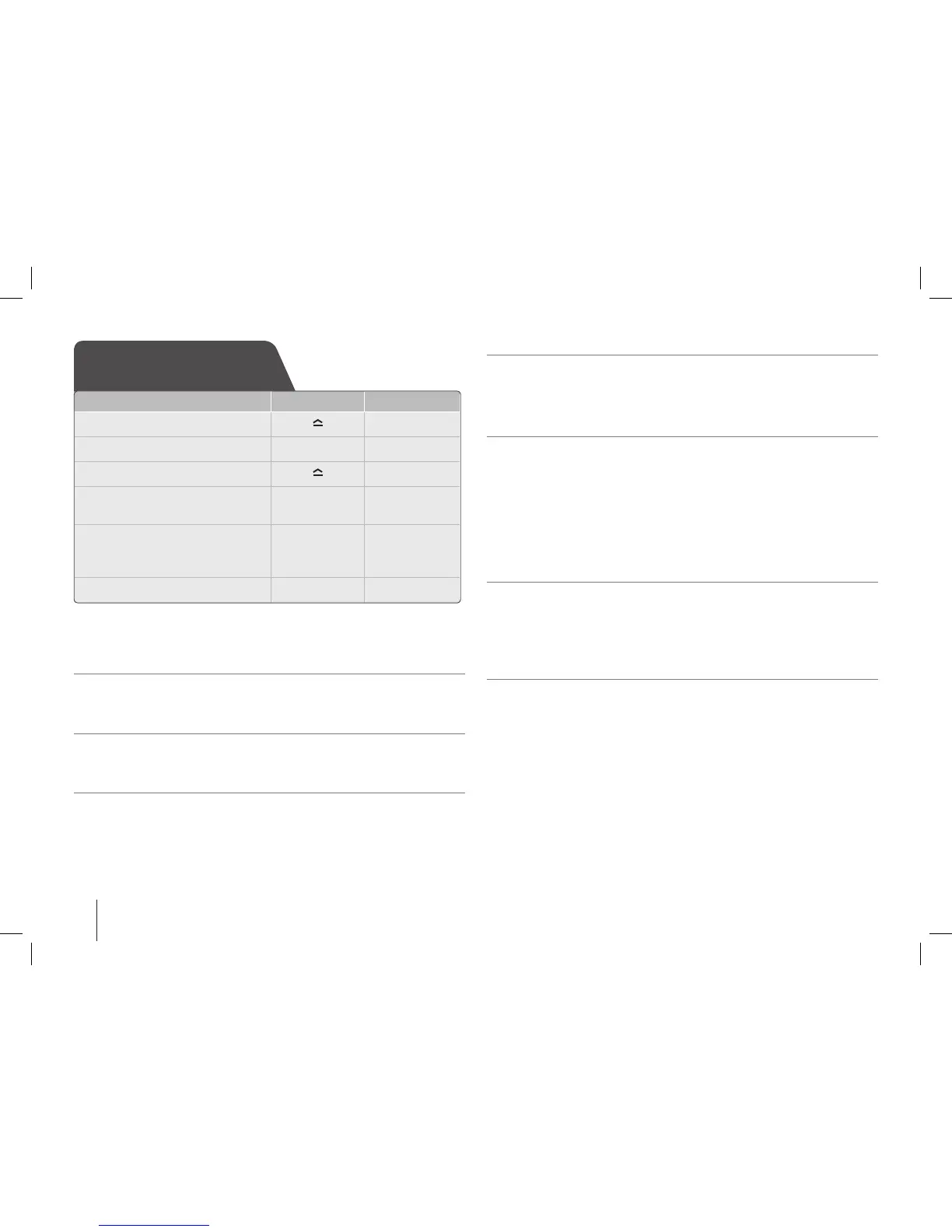
Listening to CD
ON UNIT ON REMOTE
1 Open the CD tray:
-
2 Insert the CD: Label facing up.
- -
3 Close the CD tray:
-
4 Select the CD function:
“CD READ” appears.
FUNCTION FUNCTION
5 Start the CD playing:
For AUDIO CD, Playback starts
automatically.
i}}
▶/ X
6 To stop:
s x
SB74-A.AKAZLL_ENG_3827.indd 6 11. 05. 12 �� 3:41


 To Next Page