8
When you are recording, look out for the following
• If you press
z
REC in CD stop status, the all of the songs will be
recorded.
• During recording MP3/ WMA, there is no sound.
• When you stop recording, the file that has been recorded at that time
will be stored. (AUDIO CD Only)
• Do not remove the USB device during USB recording. If not, an
incomplete file may be made and not deleted on PC.
• If USB recording does not work, the message like “NO USB”, “ERROR”,
“USB FULL” or “NO REC” is displayed on the display window.
• Multi card reader device or External HDD can not be used for USB
recording.
• A file is recorded by 2 hours (about 512 Mbytes) when you record for a
long term.
• You may not record more than 999 files.
•
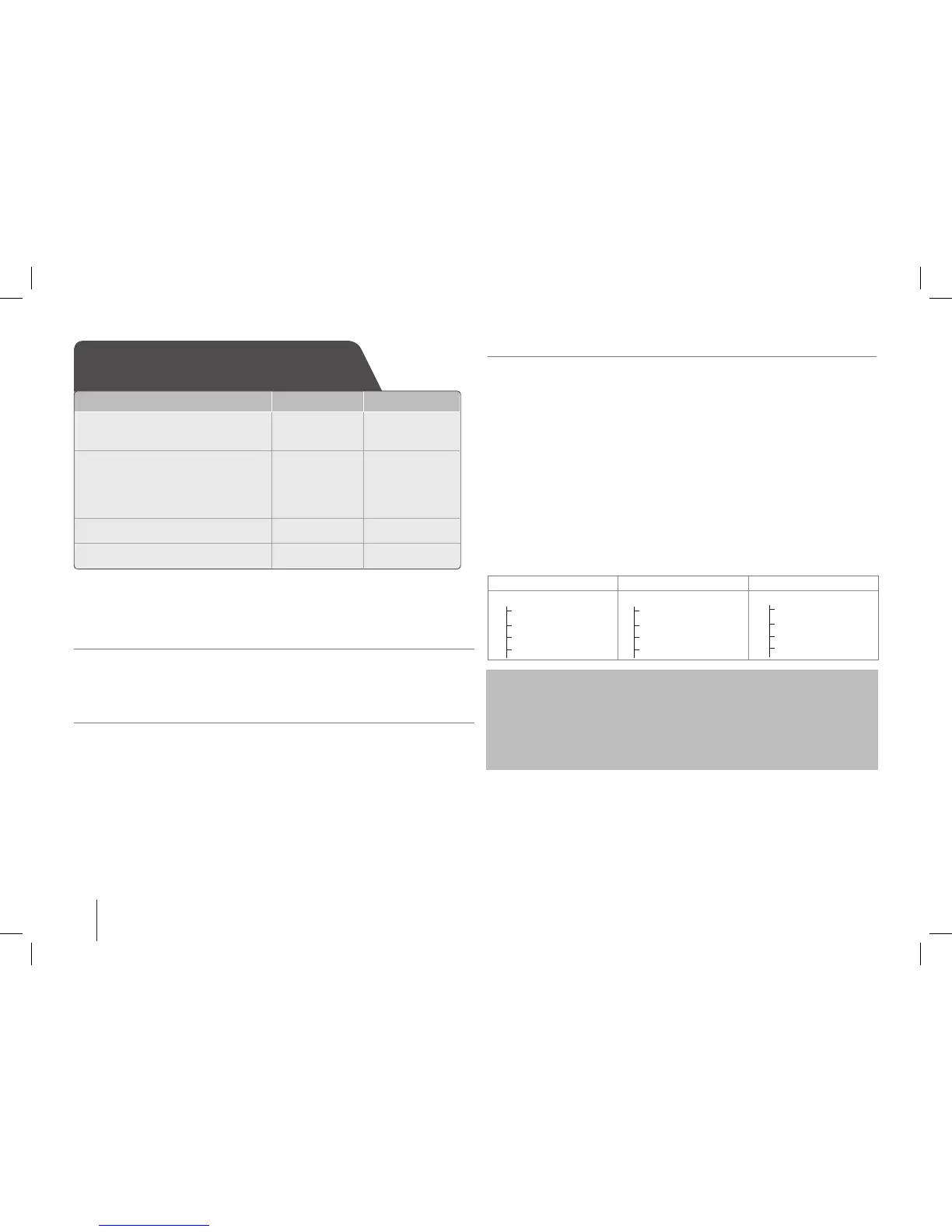
It’ll be stored as follows.
AUDIO CD MP3/ WMA The other sources.
0 CD_REC
TRK_001
TRK_002
-
-
0 FILE_REC
FILE_01
FILE_02
-
-
0 EXT_REC
AUDIO_001
AUDIO_002
-
-
The making of unauthorized copies of copy-protected material, including
computer programs, les, broadcasts and sound recordings, may be an
infringement of copyrights and constitute a criminal offense.
This equipment should not be used for such purposes.
Be responsible
Respect copyrights
Recording to USB
ON UNIT ON REMOTE
1 Connect the USB device to
the USB port of the unit.
- -
2 Select a mode in which you
want to record:
(ex. CD/ TUNER/ ...)
Play a sound source rst.
FUNCTION FUNCTION/
INPUT
3 Start the recording:
z
REC
z
REC
4 To stop:
s x
Recording to USB - more you can do
To pause the recording
Press
z
REC on the unit or remote control while recording from Tuner/
Portable.
To continue recording press
z
REC once again.
To adjust recording speed and bit rate.
1 Press and hold
z
REC on the unit. The bit rate will be displayed.
2 Choose the bit rate by pressing "II/ii" on the unit. And then press
z
REC to confirm.
3 Choose the recording speed by pressing "II/ii" on the unit.
And then press
z
REC to confirm. The adjustment is saved.
SB74-A.AKAZLL_ENG_3827.indd 8 11. 05. 12 �� 3:41


 To Next Page