EasyManua.ls Logo

LG SH93WA-F - User Manual

LG SH93WA-F
26 pages
Print Icon
To Next Page IconTo Next Page
Loading...
Model: HT903WA(HT903WA/HT903WA-AP,
SH93WA-F/C/L/R/W, W93-T2)
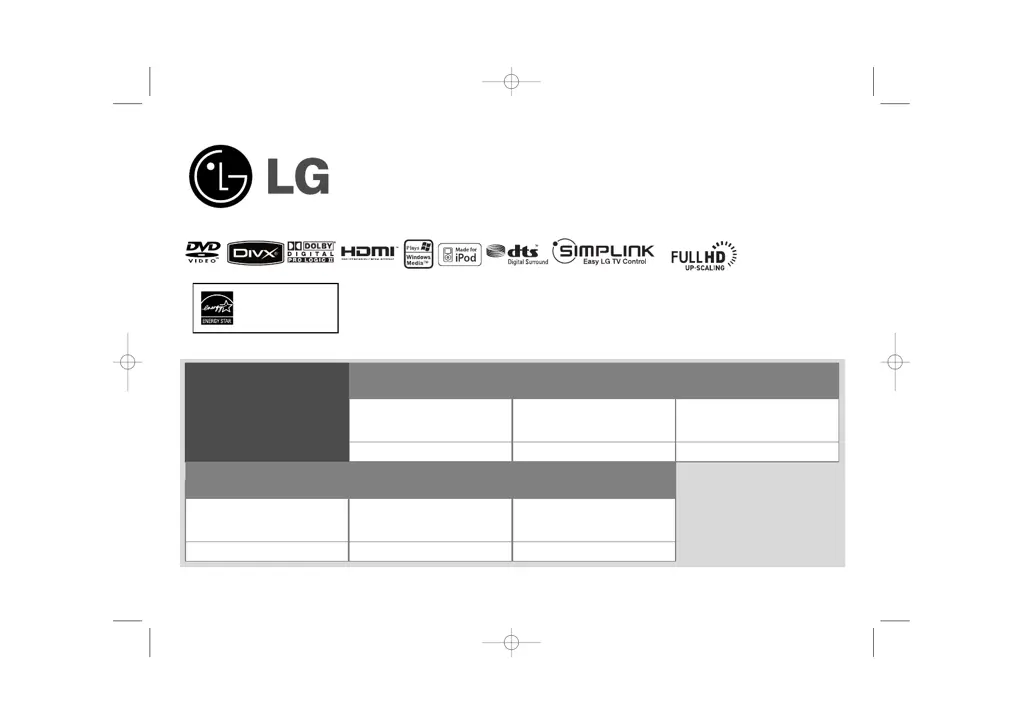
Unique Features
P/NO : MFL4293290
5.1ch ez Set-up
Listen sound from TV, DVD
and Digital Device with vivid
5.1ch mode.
Go to page 18
Full HD up-scaling
(1080p)
View Full HD picture quality
with simple setup.
Go to page 13
HDMI In
Simple connection with Set
Top Box through HDMI.
Go to page 9
USB Direct Recording
Record music from CD to
your USB device.
Go to page 20
Portable In
Listen to music from your
portable device (MP3,
Notebook, etc).
Go to page 20
Made for iPod
Enjoy music from iPod with
simple connection.
Go to page 21
As an E
NERGY
S
TA R
¤
Par tner, LG
has determined that this product
or product models meet the
E
NERGY
S
TA R
¤
guidelines for
energy efficiency.
ENERGY STA R
¤
is a U.S. registered mark.
HT903WA-AP_DAUSLL_ENG_2910 2/22/08 1:59 PM Page 1

Other manuals for LG SH93WA-F

Questions and Answers

  • J
    Jessica WilliamsAug 17, 2025
    What to do if my LG Home Theater System DVD/CD will not play?
    • G
      Gordon RiveraAug 17, 2025
      First, make sure a playable disc is properly inserted with the label side up. Ensure that the menu is closed by pressing SETUP. If a parental lock is enabled, enter your password or adjust the rating level. Confirm the disc type, color system, and regional code are compatible.
  • H
    Heidi LunaAug 19, 2025
    Why is there little or no sound from my LG Home Theater System?
    • J
      John Norton Jr.Aug 19, 2025
      If you experience little or no sound, verify that the connected equipment is set to receive the DVD signal output by selecting the correct input mode on the audio receiver. Also, ensure the audio cables are correctly and securely connected to both the speakers and the receiver. If the issue persists, the audio cables may be damaged and require replacement.
  • A
    adamhowardAug 22, 2025
    Why does my LG SH93WA-F make a humming noise when playing a DVD or CD?
    • S
      Stephanie AdamsAug 22, 2025
      A humming noise during playback may occur if the disc is dirty; clean it with a soft cloth using outward strokes. Additionally, the DVD receiver may be too close to the TV, causing feedback. Try moving the DVD receiver and audio components further away from the TV.
  • J
    john67Aug 25, 2025
    Why is there no sound on my LG SH93WA-F?
    • E
      elizabeth68Aug 26, 2025
      If your LG Home Theater System has little or no sound, first, ensure that the equipment connected via the audio cable is set to receive the DVD signal output by selecting the correct input mode on the audio receiver. Next, verify that the audio cables are correctly connected to the speakers or receiver. Finally, if the problem persists, the audio cables may be damaged, and you should replace them.
  • M
    michael86Aug 27, 2025
    Why is there no picture on my LG SH93WA-F Home Theater System?
    • W
      Wendy RileyAug 27, 2025
      If there's no picture, ensure your TV is set to receive the DVD signal by selecting the appropriate video input mode. Also, check that the video cables are securely connected to both the TV and the DVD receiver.
  • D
    Dawn HerringAug 30, 2025
    How to tune LG SH93WA-F Home Theater System radio stations properly?
    • L
      Laura CamposAug 30, 2025
      Radio stations may not tune properly if the antenna connection is poor; check the connection and adjust its position. If the signal strength is weak, try tuning to the station manually.
  • T
    tina79Sep 2, 2025
    How to fix no picture on LG Home Theater System?
    • K
      Kimberly DavisSep 2, 2025
      If your LG Home Theater System shows no picture, ensure the TV is set to the correct video input mode to receive the DVD signal. Also, check that the video cables are securely connected to both the TV and the DVD receiver.
  • K
    Kylie AcevedoSep 5, 2025
    What to do if LG SH93WA-F radio stations can’t be tuned in properly?
    • A
      Angela WilsonSep 5, 2025
      If your LG Home Theater System radio stations can’t be tuned in properly, check the antenna connection and adjust its position. If the signal strength is weak, try tuning to the station manually. Also, make sure the remote is pointed directly at the unit and is within 23 feet (7m). Remove any obstacles between the remote and the unit.
  • M
    Miguel JacobsonSep 8, 2025
    Why won't my LG SH93WA-F Home Theater System play DVDs or CDs?
    • E
      erin47Sep 8, 2025
      If your LG Home Theater System DVD/CD will not play, check if a disc is inserted. Ensure the inserted disc is playable, compatible with the system (check the disc type, colour system and regional code), and inserted correctly with the label side facing up. If a menu is open on the screen, press SETUP to close it. If there is a parental lock, enter your password or change the rating level.
  • J
    Jennifer ThompsonSep 10, 2025
    How to stop humming noise on LG Home Theater System while playing a DVD or CD?
    • S
      Shelia YoderSep 12, 2025
      If you hear a humming noise while playing a DVD or CD on your LG Home Theater System, clean the disc using a soft cloth with outward strokes. Additionally, try moving the DVD receiver and audio components further away from your TV to reduce feedback.

LG SH93WA-F Specifications

General IconGeneral
BrandLG
ModelSH93WA-F
CategoryHome Theater System
Total Power Output1000 W
RMS rated power1000 W
BluetoothYes
HDMI Inputs4
USB PlaybackYes
EqualizerYes
3DYes
Ethernet LANYes
Wi-FiYes
Wireless Rear SpeakersYes
Audio decodersDolby Digital, DTS
Video formats supportedMKV, MPEG, DivX, WMV
Audio formats supportedMP3, WMA, AAC, FLAC
Image formats supportedJPEG
Optical disc player typeBlu-ray
Optical InputYes

Related product manuals