16
Step 3. Find and Select your
speaker name
Select speaker name that is set on
“Google Home” app from phone’s
smart device list. When successfully
connected Bluetooth, Function LED will
be solid blue.
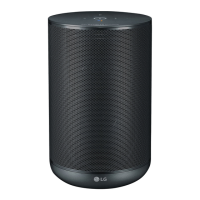
Speaker
name
Function LED
White color: Wi-Fi
Blink Ready for Wi-Fi connection.
Solid Connected Wi-Fi.
Blue color: Bluetooth
Blink
Search for Bluetooth
device.
Solid Paired Bluetooth device.
When operation of speaker is
completed, Function LED is off after 3
seconds.
NOTE


 To Next Page
 Loading...