Copyrightⓒ. 2015. All Rights Reserved.
LAN Cable(CAMERA)
1. Log in connection Camera & Wi-Fi Bridge
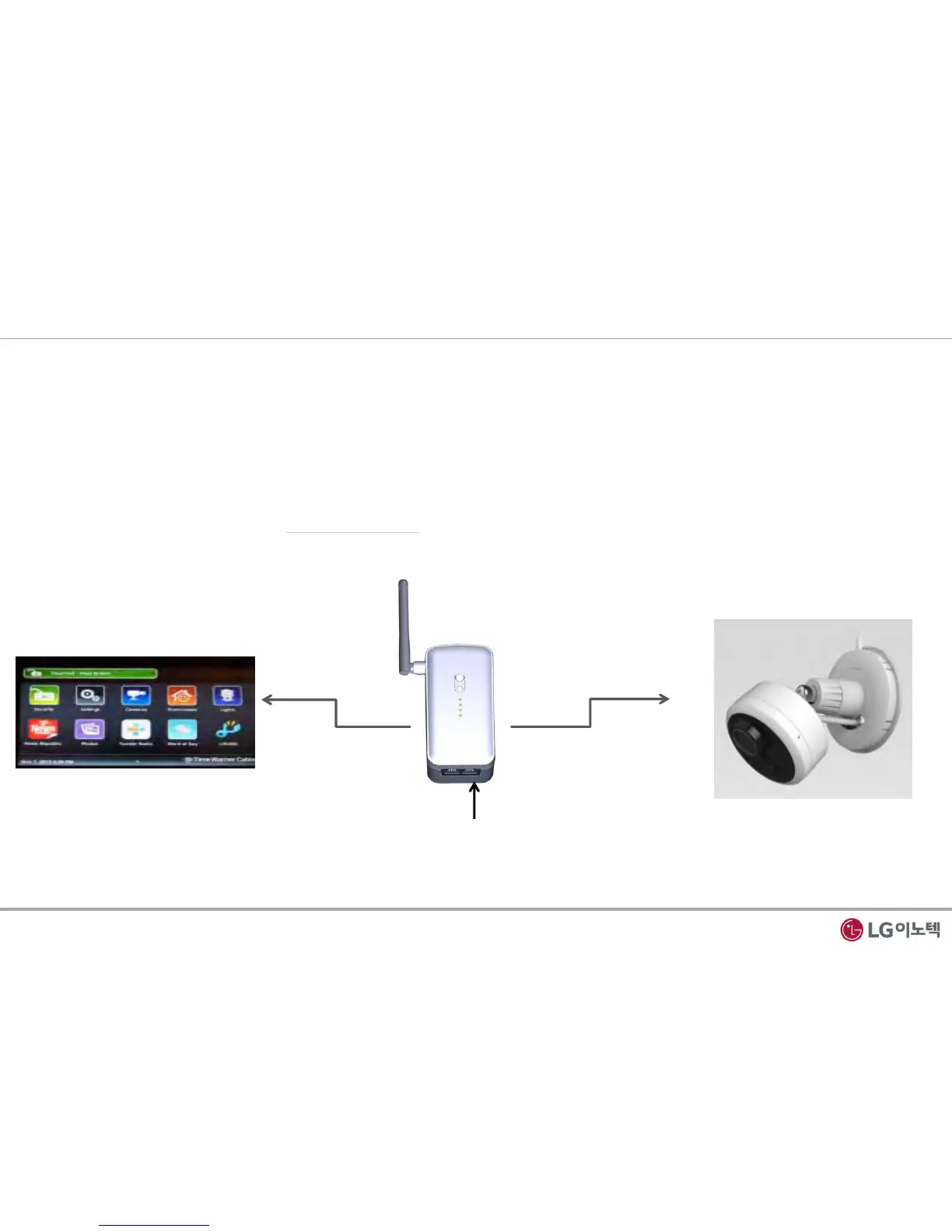
1) Make sure that your camera is connected to the Wi-Fi Bridge CAMERA port with an Ethernet cable(wired)
2) Turn on the Wi-Fi Bridge and verify the following
- The power LED is On.
- The CAMERA LED is on for the LAN port that is connected to your Power device camera.
- The WLAN LED is blinking.
3) Launch internet browser and enter http://172.19.1.254 in the address field.
You are prompted to login;
Fig 4. Login connection
2. Installation Guide
3 / 12
CAMERA
WLAN


 To Next Page