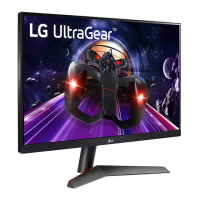
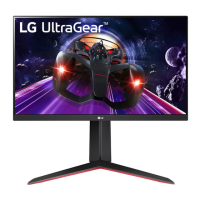
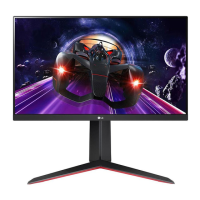
Avoid resting monitor on Key/ Button of product,
it may damage monitor part.
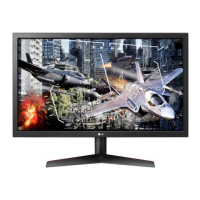
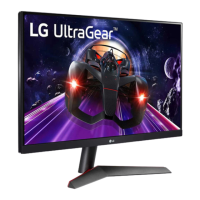
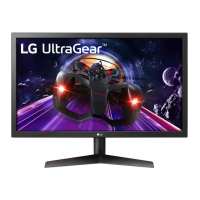
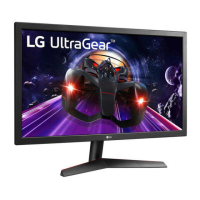
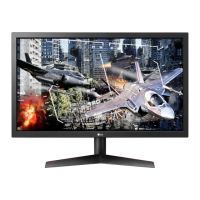
Image shown may differ from your monitor.
Handle with care, do not put pressure on screen
while handling.
Image shown may vary depending on model.
All connection cables & devices shown in the picture
are not included along with the product.


 To Next Page
 Loading...