38
SMART FUNCTIONS
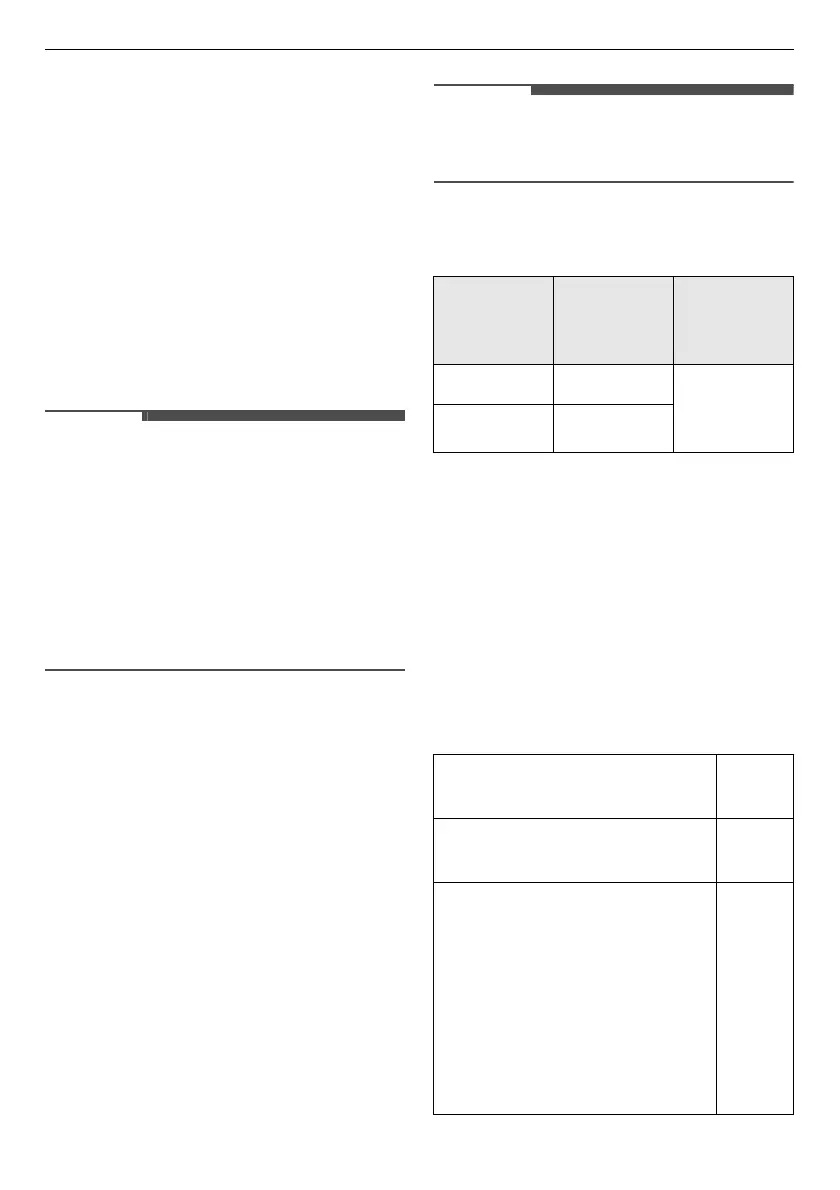
Using this function
1
Press the
Power
button.
2
Load the clothes into the drum.
3
Press and hold the
Anti Crease
button for 3 seconds to enable the
remote control function.
4
Start a cycle from the
LG ThinQ
application on your smartphone.
• Once this function is enabled, you can
only start a cycle from the
LG ThinQ
smartphone application. If the cycle is
not started, the appliance will wait to
start the cycle until it is turned off
remotely from the application or this
function is disabled.
• If the door has been opened, you can
not start a cycle remotely.
Disable this function manually
When the function is activated, press and
hold the
Anti Crease
button for 3
seconds.
Download Cycle
Download new and special cycles that
are not included in the basic cycles on
the appliance.
Appliances that have been successfully
registered can download a variety of
specialty cycles specific to the appliance.
Once cycle download is completed in the
appliance, the appliance keeps the
downloaded cycle until a new cycle is
downloaded.
• Only one downloaded cycle can be
stored on the appliance at a time.
Radio Equipment Specifications
*1 To identify RF module installed in the
appliance, refer to the label attached
to the appliance.
Software version: V 1.0
For consideration of the user, this device
should be installed and operated with a
minimum distance of 20 cm between the
device and the body.
Standby Power Consumption
Model
Name
*1
Output
Power
(Max.)
Frequency
Range
LCW-004 17.82 dBm 2412 MHz
to 2472
MHz
LCW-007 17.59 dBm
Standby power
consumption
0.18
W
Network standby power
consumption
2.0 W
The period of time after
which the power
management function, or a
similar function, switches
the equipment
automatically into standby
and/or off mode and/or the
condition providing
networked standby
20
min.



 To Next Page