ENG
ENG
3
How to Use
Setup
Charging
- Connect the USB cable to the power adapter and plug it into an electrical socket.
The Wireless Charger is turned on whenever it’s
plugged in to a power adapter. There’s no separate
on-off switch.
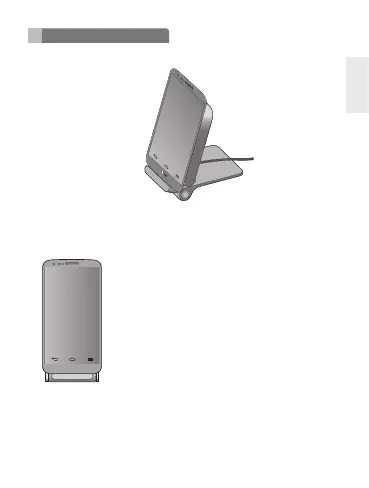
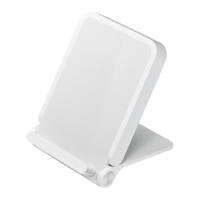
Whenever you want to charge your phone, position it on
top of the connected charger like this:
When your handset is placed in the correct position, it starts charging.
To check charging status, look at your phone. If the phone’s asleep, touch the
Power/Lock key to wake it up.
NOTE: Use only the power adapter and Micro USB cable that come with WCD-100.
Using a different power adapter may damage your phone or reduce charging
efciency. WCD-100 is optimized for G3 may not be compatible with some phones.


 To Next Page