ENG
ENG
3
How to Use
Setup
Charging
- Connect the USB cable to the power adapter and plug it into an electrical socket.
The Wireless Charger is turned on whenever it’s plugged in to
a power adapter. There’s no separate on-off switch.
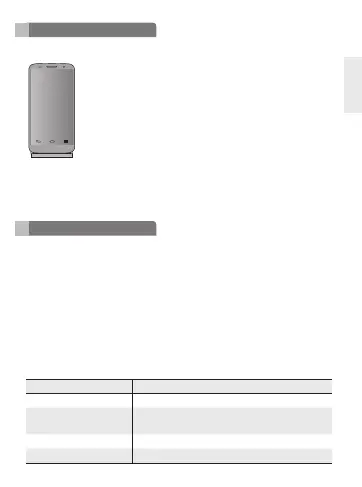
When your handset is placed in the correct position, it starts
charging.
To check charging status, look at your phone. If the phone’s
asleep, touch the Power/Lock key to wake it up.
NOTE: Please use adapter(5V, 1.8A) and USB Cable (Micro USB 5 pin). Using a
different power adapter may damage your phone or reduce charging efciency.
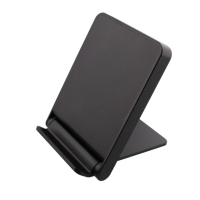
NOTE: If not charging, please move your phone to left or right.
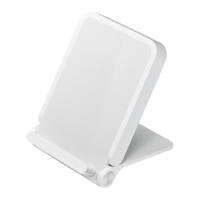
- Do not drop the Wireless Charging Cradle from high places.
- Do not modify, repair, or take the Wireless Charging Cradle apart.
- Do not clean with water alcohol or benzene.
- Keep the Wireless Charging Cradle away from humidity and dust.
- Do not place heavy objects on the Wireless Charging Cradle.
- Do not place sharp objects near or on the Wireless Charging Cradle.
- Keep Wireless Charging Cradle away from any liquids, moisture or creams.
- Changes or modications not expressly approved by the party responsible for
compliance could void the user’s authority to operate the equipment.
- It may not operate normally beyond the operating temperature range. Check the
ambient temperature before using the device.
Item Description
Input / Output DC 5V, 1800mA / DC 5V, 1000mA
Charging time
< 5 hours (Based on 3000mAh Battery, The
charging time depends on the handset)
Operation temperature -10°C ~ 50°C
Dimension 102mm(L) X 70mm(W) X 12.05mm(H), 118g
Precautions


 To Next Page