Page 8 / 18 Ausgabe SIEMENS-E mHT 03 11 16
03_03_1_Microface_E_Betriebshandbuch_mHT_eng_031116.doc
To move fast forward or backward to the first or last parameter just press “up”
or “down” and “Enter key (↵) at the same time.
3 Software / EPROM
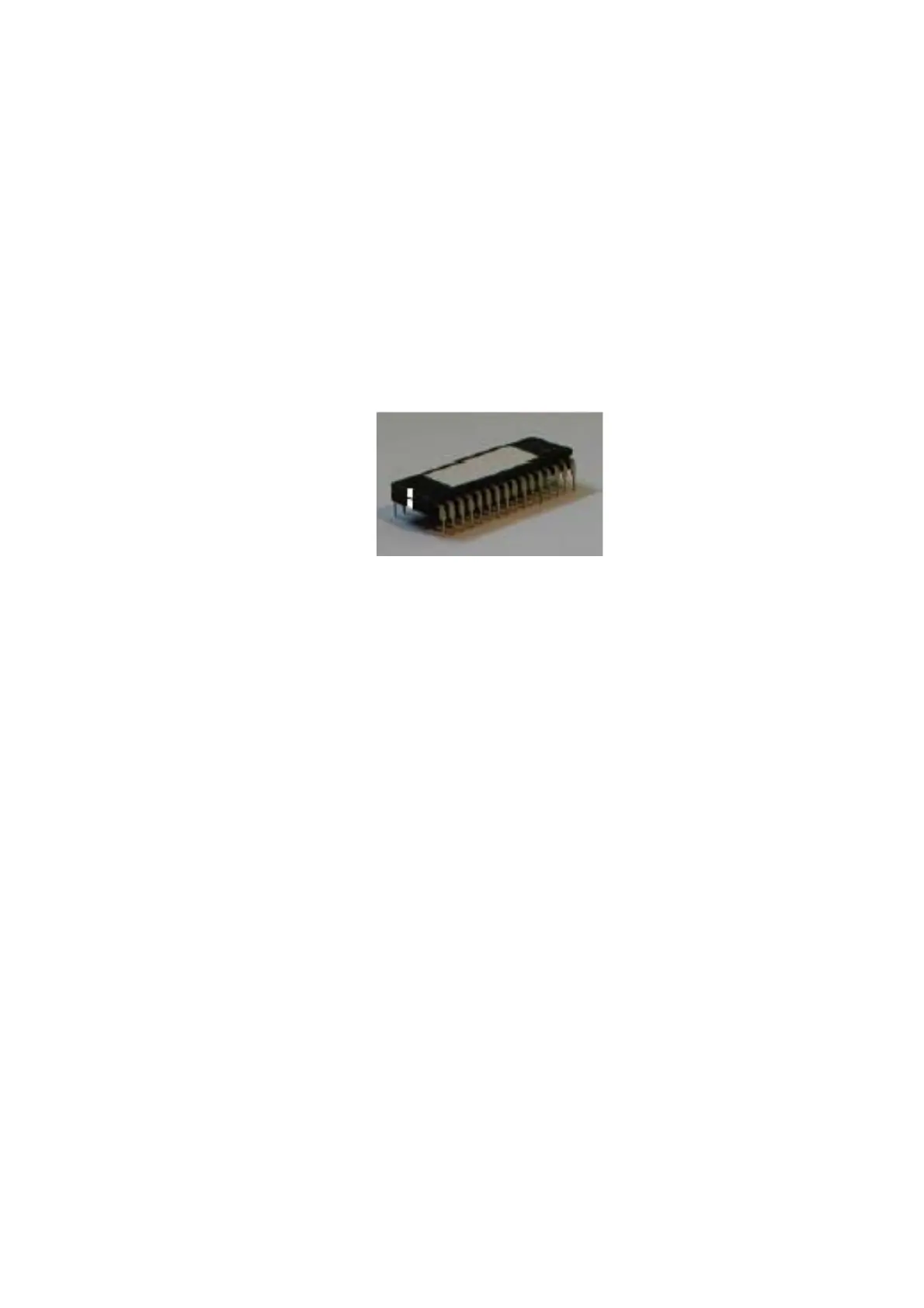
The EPROM is the device, which stores the software program the Microface
has to work with. It doesn’t store any user-settings, this is done by the
Microface itself (in the RAM and the E2Prom). The name of the software and
its revision number are printed on the label on top of the EPROM.
The current version is MVM 160 021.
Fig. 3 EPROM
Caution!
Un-power the Microface before mounting/dismounting the EPROM.
Remove EPROM only with special tool; never use a screwdriver. Ensure
correct positioning and direction EPROM.



 To Next Page