Product Use / Start Cleaning
Automatic Cleaning
According to different cleaning needs, the product has a
variety of cleaning modes to choose from. You can start
various cleaning modes through a host, remote control or app.
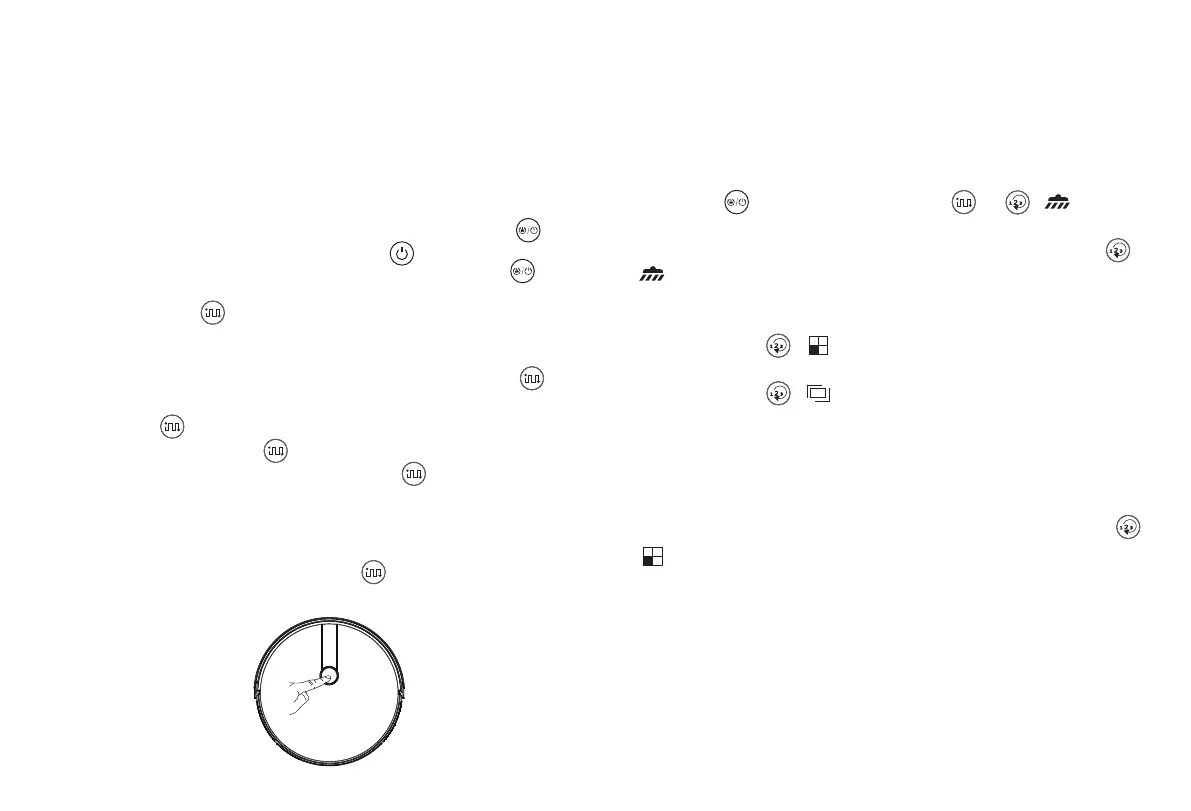
If it is dustbin instead of water tank installed in the host, and in
standby mode or other working modes, press the button on
the remote controller, the host starts automatic cleaning. Press
the button again, the host will switch to powerful suction
mode. Press the button once more, the host will switch to
quiet cleaning mode. Pressing the button additionally more
times will make the host switch between powerful suction mode
and quiet cleaning mode circularly.
If it is water tank installed in the host, and in standby or other
working modes, pressing the button will always make the
host enter into mopping mode.
Setting method: In the shutdown state, press the button for
a few seconds. When the indicator light of the host is on, it
indicates that the host is powered on. When the button on
the host is pressed for a short time, or press the automatic
cleaning button on the remote controller, the host starts
automatic cleaning.
Single Room Cleaning
Applicable scenario: Used to clean the single room.
Settting method: Click the remote control mode switch button
( ) to select the single room cleaning mode to start the
single room cleaning.
Friendly Reminder: When it is only necessary to clean a single
room, please close the door and the host will do centralized
cleaning in the room.
If this room does not have a charging station, the host will
return to the orginal point after finishing cleaning.
15
Mopping Mode
Applicable scenario: Used to do wet & dry mopping.
Setting method: Install the water tank to the host and press the
start button on the host or the button or ( ) on
the remote controller, the host starts mopping mode.
(Attention: If the water tank is not installed, press the button
( ) on the remote controller, the host will prompt that the
water tank is not installed and the host will not work at this
status.)
Press the button ( ), the host will switch to single room
cleaning mode.
Press the button ( ), the host will switch to border
cleaning mode.



 To Next Page