EasyManua.ls Logo

Life Gear 1278 - User Manual

Life Gear 1278
16 pages
Print Icon
To Next Page IconTo Next Page
Loading...
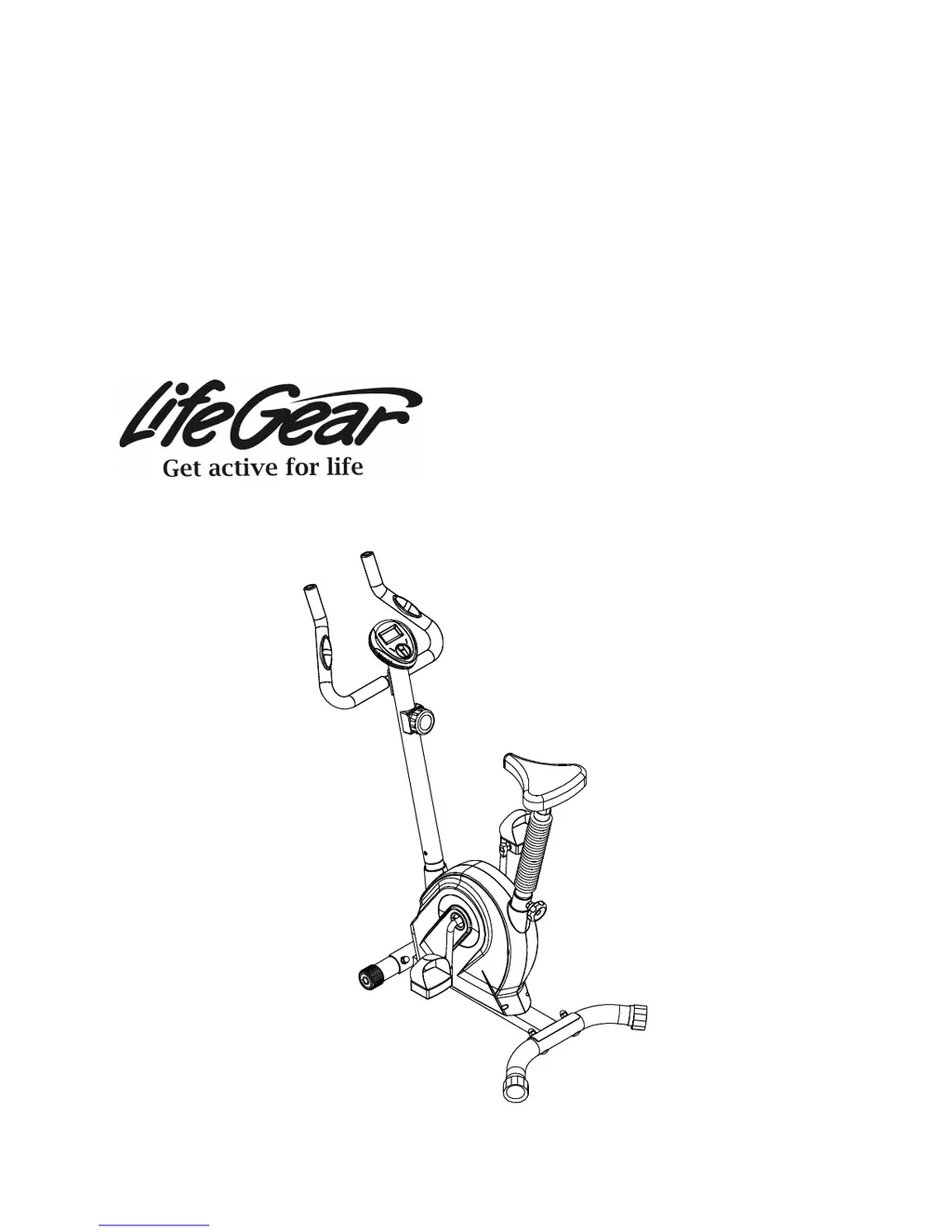
MAGNETIC UPRIGHT
BIKE
ITEM NO: 1278

Questions and Answers

  • K
    Kirk WyattAug 1, 2025
    What to do if there is no display on Life Gear 1278 computer console?
    • C
      Charles JohnsonAug 1, 2025
      If there's no display on your Life Gear Exercise Bike's computer console, first, remove the console and check that the wires from it are properly connected to the wires from the handlebar post. Next, check if the batteries are correctly positioned and that the battery springs are making good contact. Finally, the batteries in the console may be dead, so try replacing them with new ones.
  • L
    Lisa WilliamsAug 9, 2025
    Why does my Life Gear Exercise Bike make a squeaking noise when I use it?
    • C
      carolyn71Aug 9, 2025
      A squeaking noise during use of your Life Gear Exercise Bike often indicates that some bolts are loose. Inspect all bolts and tighten any that you find are not secure.
  • M
    Mercedes BaileyAug 16, 2025
    What to do if the heart rate reading is erratic on Life Gear Exercise Bike?
    • C
      Christine HernandezAug 16, 2025
      If you're experiencing an erratic or inconsistent heart rate reading on your Life Gear Exercise Bike, first, ensure that the wire connections for the hand pulse sensors are secure. For a more precise pulse readout, hold the handlebar grip sensors with both hands instead of just one. Avoid gripping the hand pulse sensors too tightly; maintain moderate pressure.
  • X
    xrichardsonAug 25, 2025
    How to stop Life Gear 1278 from wobbling?
    • R
      Roberta CarterAug 25, 2025
      To stop your Life Gear Exercise Bike from wobbling, turn the rear stabilizer end cap on the rear stabilizer as needed to level the bike.

Summary

Important Safety Instructions

Parts List

Hardware Packing List

Tools

Overview Drawing

Assembly Instructions

Front;Rear Stabilizers and Right;Left Foot Pedals Installation

Install front/rear stabilizers and foot pedals onto the main frame and cranks.

Handlebar Post Installation

Connect the handlebar post, tension cable, and sensor wires to the main frame.

Seat Post, Seat Post Bellows, and Seat Cushion Installation

Assemble the seat post, bellows, and cushion onto the main frame.

Handlebar and Computer Installation

Attach the handlebar and computer console to the handlebar post.

Operating the Computer

Adjustments

Adjusting the Tension Control Knob

Adjusting the load by turning the tension control knob clockwise or counterclockwise.

Adjusting the Rear Stabilizer End Cap

Leveling the upright bike by adjusting the rear stabilizer end cap.

Adjusting the Seat Height

Adjusting the seat post height by loosening and tightening the seat post knob.

Maintenance

Cleaning

Cleaning the upright bike using a soft cloth and mild detergent.

Storage

Storing the upright bike in a clean and dry environment away from children.

Troubleshooting

Warm Up and Cool Down Routine

Head Rolls

Neck stretching exercises involving rotating the head in different directions.

Shoulder Lifts

Shoulder stretching exercise involving lifting shoulders towards ears.

Side Stretches

Stretching the torso and arms by reaching sideways.

Quadriceps Stretch

Stretching the front thigh muscles by pulling the foot towards the buttocks.

Inner Thigh Stretch

Stretching inner thigh muscles by bringing soles of feet together.

Toe Touches

Stretching hamstrings and back by bending forward towards toes.

Hamstring Stretches

Stretching hamstring muscles by extending leg and reaching for toes.

Calf;Achilles Stretch

Stretching calf and Achilles tendon by leaning against a wall.

Life Gear 1278 Specifications

General IconGeneral
Resistance TypeMagnetic
Display TypeLCD
Display FunctionsTime, Speed, Distance, Calories, Pulse
SeatAdjustable
Drive SystemBelt

Related product manuals