EasyManua.ls Logo

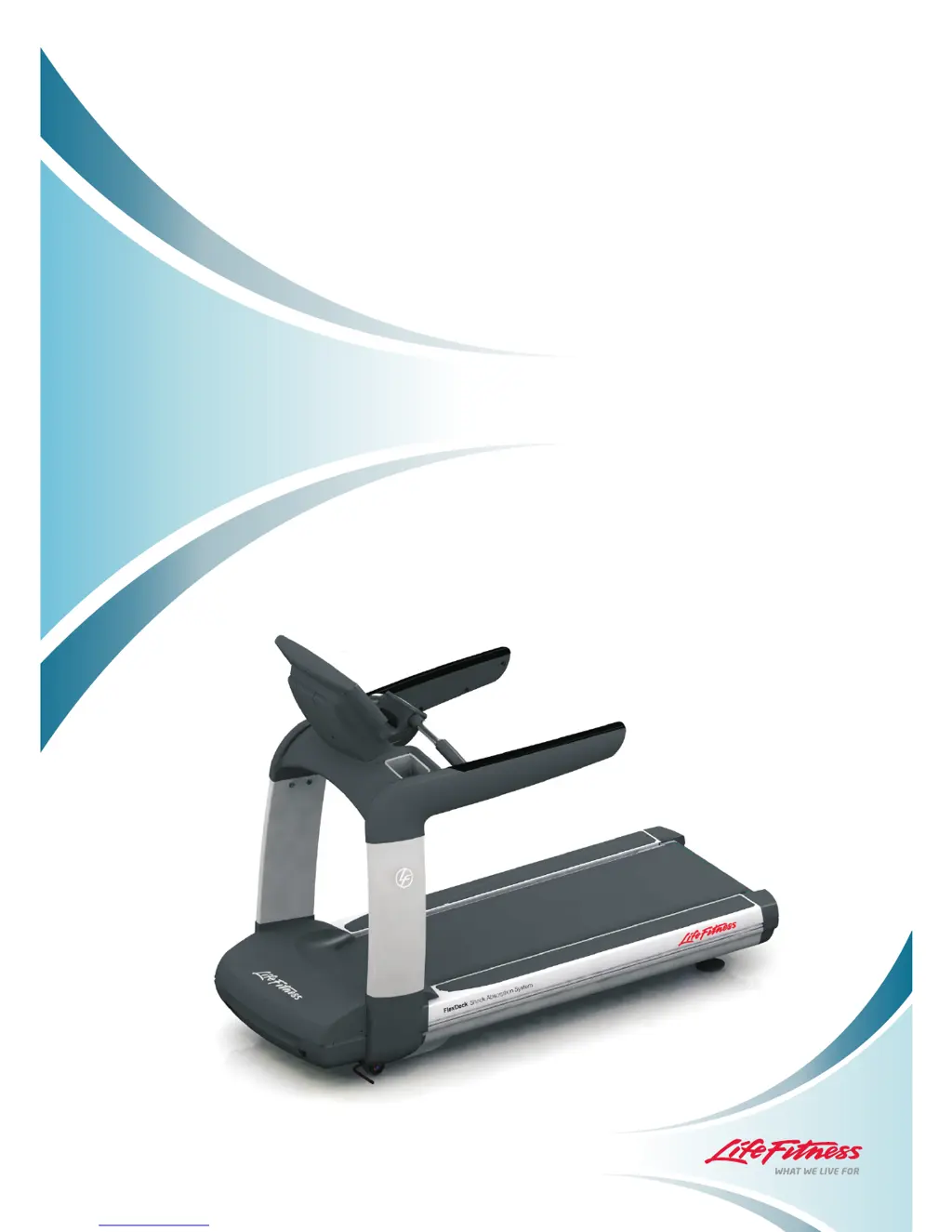
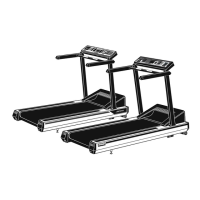
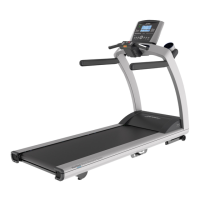
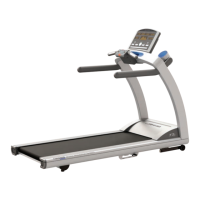
LifeFitness 95T ELEVATION SERIES - User Manual

LifeFitness 95T ELEVATION SERIES
168 pages
Print Icon
To Next Page IconTo Next Page
Loading...
95T ELEVATION SERIES TREADMILLS
Service Manual
M051-00K65-A003 11/16/09
11/16/09
11/16/09
11/16/09
11
11

Table of Contents

Questions and Answers

  • C
    Colin HansenJul 31, 2025
    Why is the belt not moving on my LifeFitness 95T ELEVATION?
    • R
      Roger FarrellJul 31, 2025
      If the belt on your LifeFitness Treadmill isn't moving, there are several potential causes. First, ensure the treadmill is properly powered by checking the power supply. Next, verify that the console is functioning correctly. Lastly, if the motor doesn't start when you begin your workout, check the motor connections.
  • D
    Danny MeyerAug 5, 2025
    How to fix noise and vibration in LifeFitness Treadmill?
    • D
      Derek RossAug 5, 2025
      If your LifeFitness Treadmill is making unusual noises or vibrating, the source could be several places. If the noise is coming from the general striding belt area, inspect the belt for any signs of damage. If it's coming from the front end of the base, check the drive motor alignment. If the noise occurs during incline or decline, examine the lift system components. If the noise is structural from the base, tighten the lower frame components. If it's structural from the upper frame, tighten the upper frame components.
  • P
    paul77Aug 10, 2025
    What to do if LifeFitness 95T ELEVATION user interface is not working?
    • B
      Blake SmithAug 10, 2025
      If you're experiencing user interface issues with your LifeFitness Treadmill, and the problem lies with the console interface (display, touch screen, etc.), try calibrating or resetting the console interface.
  • M
    michael82Aug 15, 2025
    How to troubleshoot audio and video issues on LifeFitness 95T ELEVATION?
    • T
      tpenningtonAug 15, 2025
      If you are facing audio and video issues with your LifeFitness Treadmill, check the audio/video cable connections on the console. Also, inspect the base frame electronics for issues with external connections.
  • M
    Michelle BooneAug 20, 2025
    How to fix appearance issues on LifeFitness 95T ELEVATION Treadmill?
    • J
      Jennifer LopezAug 20, 2025
      To address appearance issues on your LifeFitness Treadmill, clean the console surface if the problem is with the console. Inspect the upper structure for cosmetic damage if the issue is with the upper structure. Check the base for scratches or dents if the issue is with the base.
  • M
    Michelle DuncanAug 25, 2025
    What to do if my LifeFitness 95T ELEVATION is showing error messages?
    • T
      Travis MezaAug 26, 2025
      Refer to the Error / Info Message Table to solve the issue.

Summary

Introduction

Using This Manual

Explains how to use the service manual and its structure.

Contact Information

Provides Life Fitness customer support contact details for various regions.

System Level Troubleshooting

Lists common symptoms, causes, and corresponding sections for troubleshooting.

Preparation

Required Service Tools

Lists standard tools required for performing service procedures.

Specialty Tools

Lists specific tools recommended by Life Fitness for certain tasks.

Maintenance

Preventive Maintenance Schedule

Details recommended maintenance tasks and frequencies for various components.

Drive Motor (DS)

System Component

Illustrates the components of the drive motor assembly.

Problem Symptoms Table

Lists symptoms related to the drive motor, their causes, and troubleshooting sections.

How To’s

Provides step-by-step procedures for drive motor removal and installation.

Base Frame Electronics (BE)

Theory of Operation

Explains the principles behind the base frame electronics and DSP controller.

System Components

Identifies key components within the base frame electronics.

Problem Symptom Table

Lists symptoms related to base frame electronics, causes, and troubleshooting.

Troubleshooting Flow Diagrams

Visual guides for diagnosing and resolving issues with base frame electronics.

How To’s

Step-by-step instructions for replacing components like line cord and main cable.

Electrical Wiring Diagrams

Provides block diagrams and detailed wiring information for base frame electronics.

Lift System (LS)

Theory of Operation

Explains how the lift system controls treadmill incline.

System Components

Identifies the parts that make up the lift system.

Problem Symptom Table

Lists symptoms related to the lift system, causes, and troubleshooting.

How To’s

Step-by-step procedures for removing and installing lift system components.

Console & Activity Zone (CA)

Theory of Operation

Explains the functionality of the console and activity zone, including model differences.

System Components

Identifies the main parts of the console and activity zone assembly.

Problem Symptom Table

Lists common console issues, causes, and troubleshooting steps.

Troubleshooting Flow Diagrams

Visual guides for diagnosing and resolving console and activity zone problems.

How To’s

Step-by-step instructions for replacing console and activity zone parts.

Electrical Wiring Diagrams

Shows block diagrams and connections for the console and activity zone.

Heart Rate System (HR)

Lifepulse Theory of Operation

Explains how the LifePulse® contact heart rate system works.

System Components

Identifies the components of the heart rate system, including electrodes and the polar board.

Problem Symptom Table

Lists heart rate system symptoms, causes, and troubleshooting references.

How To’s

Provides instructions for replacing heart rate sensors and the polar board assembly.

Stride (Walking) System (SS)

Theory of Operation

Explains the function and components of the striding belt system.

System Components

Identifies parts of the stride system like the belt, deck, rollers, and stride sensor.

Problem Symptom Table

Lists symptoms related to the stride system, their causes, and troubleshooting.

Troubleshooting

Covers issues like belt centering, noise, and treadmill pausing.

Lower Frame (LF)

System Components

Shows and labels the parts of the lower frame assembly.

Problem Symptom Table

Lists lower frame issues, causes, and relevant sections for repair.

How To’s

Provides procedures for replacing parts like motor shroud, uprights, and end caps.

Upper Frame (UF)

System Components

Identifies the components of the upper frame, including console and handrails.

Problem Symptom Table

Lists symptoms related to the upper frame, causes, and troubleshooting sections.

How To’s

Step-by-step instructions for replacing upper frame parts like handrail covers and bridge covers.

Appendix: Engage; Inspire Console Diagnostic

Overview

Introduces the purpose of the system diagnostic documentation.

System Options - Block Diagram Overview

Shows a flowchart of the system options available in the diagnostic menu.

System Options - Main Menu

Displays the main menu of the system options with button descriptions.

System Test Menu 1

Lists and describes the tests available in the first system test menu.

System Communication Check

Details how to check communication status between system components.

Motor Modules (TR Only)

Shows motor module information, including errors, modes, and parameters.

System Diagnostics Check (Non - TR only)

Displays diagnostic readings for non-treadmill models.

Key Pad Test

Describes how to test the console keypad and emergency stop switch.

Heart Rate Test

Explains how to perform and interpret the heart rate test.

iPod Test

Details the procedure for testing iPod connectivity and status.

Test Engineering

Provides information on phase tests and transistor checks for engineering purposes.

System Test Menu 2

Lists tests related to CSAFE, stride sensor, and serial EEPROM.

Stride Sensor Test (TR only)

Explains how to test the stride sensor functionality.

External Serial EE Test

Describes the test for the serial EEPROM on the motor controller.

CSAFE Network Test or Status

Shows parameters and status for CSAFE network communication.

CSAFE Loopback Test

Details how to test the console's CSAFE port.

Information Menu

Provides access to various information screens like statistics and error logs.

Information Statistics

Displays usage statistics, workout counts, and other machine data.

Software Versions

Shows software version numbers for various system components.

Main Motor Information (TR Only)

Details shutdown errors, machine health info, and maximums for the main motor.

Lift Motor Information (TR Only)

Provides information on lift motor operation, incline ranges, and lift times.

Belt; Deck Information (TR Only)

Shows total operating hours, miles, belt wear notifications, and event history.

Date and Time Information

Allows setting the system date, time, and time zone.

System Errors

Lists and explains system errors, their types, occurrences, and timestamps.

Maintenance Information

Records and displays maintenance activities like component replacements.

Usage Log Report

Shows records of speed and weight usage during workouts.

Channel Usage Log

Displays usage records for available channels.

Configuration Menu

Provides access to various configuration settings like manager, manufacturer, and network.

Manager Configuration 1

Allows setting language, units, workout durations, and standby configurations.

Manager Configuration 2

Enables/disables features like activity zone keys, virtual trainer, and telemetry.

Manufacturer’s Configuration

Allows advanced settings like drive ratio, smart stop, and debug info.

Video; FM Radio Configuration Menu

Manages TV video and FM radio settings, channels, and security.

Video Setup Screen

Configures TV picture settings, video format, and channel tuning.

Channel Name; Sort Setup Screen

Allows naming and sorting of TV channels.

Secure Channel Setup Screen

Configures secure channels and password protection.

Promo Channel Setup Screen

Sets up promotional channels and their display time limits.

FM Radio Setup Screen

Configures FM radio presets and scanning.

Custom Workouts Screen

Allows enabling/disabling password protection for custom workouts.

Export; Import Settings

Manages exporting and importing system settings via USB.

Create Your Own Screen

Allows enabling/disabling custom workout programs.

Network Configuration

Configures network setup, presets, and lockouts.

Clock Setup (Date and Time Information)

Sets the system date, time, and time zone.

Maintenance

Allows technicians to log component replacements and maintenance activities.

Error; Info Messages

Lists and explains various error messages and their causes/solutions.

LifeFitness 95T ELEVATION SERIES Specifications

General IconGeneral
TypeTreadmill
Model95T ELEVATION SERIES
Maximum User Weight400 lbs
Running Surface22 in x 60 in
Incline0% - 15%
Speed0.5 - 12 mph
Dimensions36" W x 62" H
Heart Rate MonitoringContact and wireless
WorkoutsMultiple preset workouts
Power Requirements120V
Motor4.0 HP AC motor with MagnaDrive™ motor controller

Related product manuals