LifeSize Video Communications Systems User Guide 5
Once you have completed the initial configuration, you can then place calls, receive calls, or
configure additional preferences by accessing the administrative menu.
Advanced Configuration
The administrator configuration provides access to advanced preferences. To access the
administrator configuration, follow these steps:
1. Press sequentially when the phone is idle.
2. Enter the default administrator password (1 2 3 4 by default) and press .
If you enter an incorrect password, the Login Failed message displays. After six
seconds you return to the main screen.
If you successfully enter the password, the Main Menu displays with the following
options:
• 1 - Preferences
• 2 - System Info (read only information)
• 3 - Maintenance
• 4 - Help
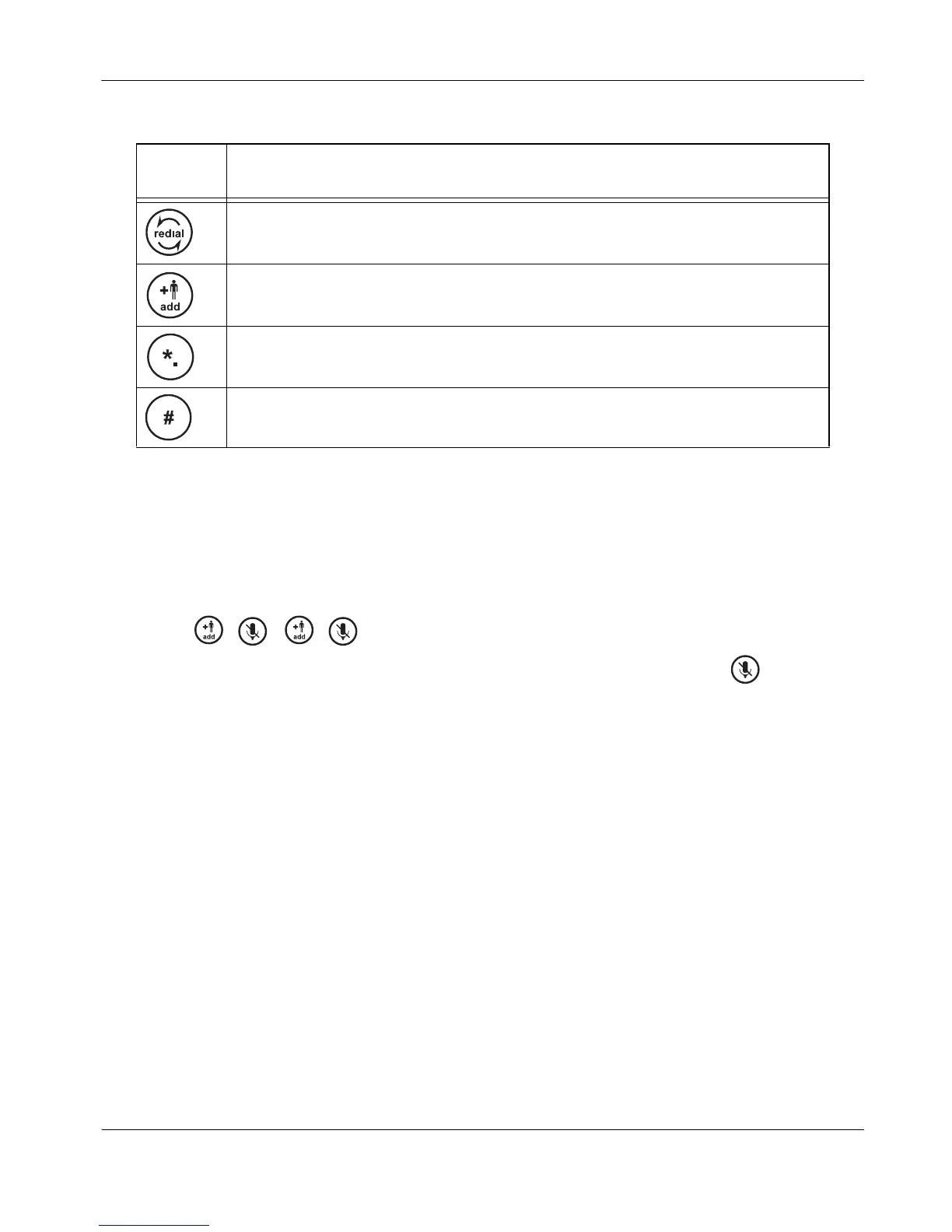
Behaves as Back when returning to a previous screen or Backspace during text entry.
Behaves as Cancel when changing preference values.
Moves a selected item down in an ordered list.
Moves a selected item up in an ordered list.
Keypad
Key
Function



 To Next Page