6/((3
TRACKER
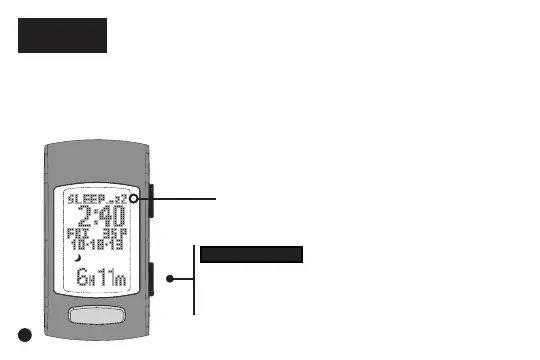
When sleep tracking is enabled, the device will
automatically detect the beginning and end of your sleep
session.
Double-clicking 67$576723 while in Time marks the
time you go to bed. It also activates the sleep tracker if in
Manual sleep tracking mode.
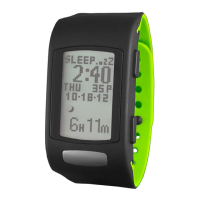
Sleep tracker indicator
67$576723
Double-click to mark the start of intent to
go to sleep OR to start the sleep tracker
when in Manual mode (must be in Time)
6


 To Next Page