5. Other function
1) Display on / off
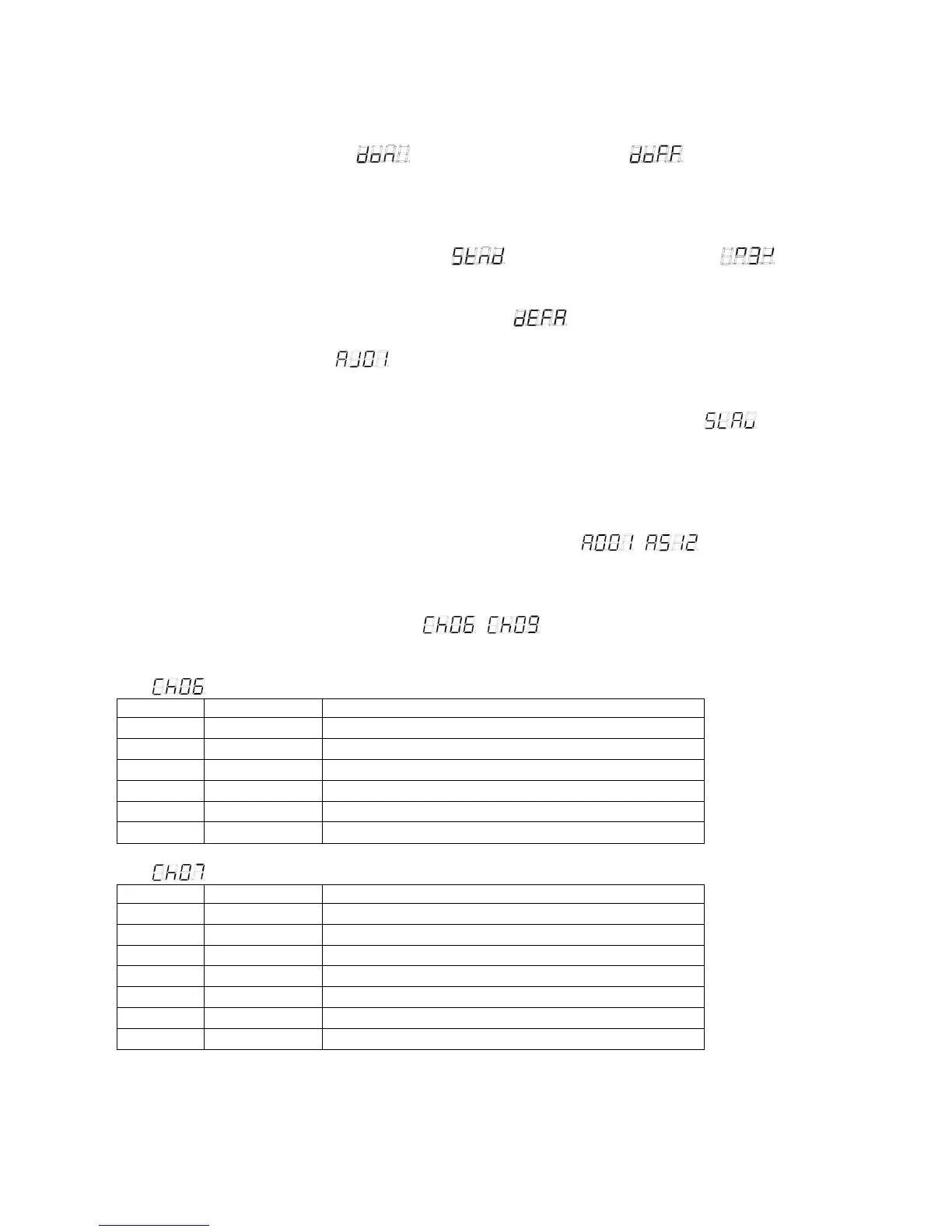
Press "SET UP" button to find " "(LED display always on) or " "(LED display turns
off automatically after 60 seconds if there is no operation), press "UP" or "DOWN" to select
display on or off.
2) Display normal / inversion
Press "SET UP" button, select display normal/inversion, and then Press "UP" or "DOWN" to select
LED display normal or reverse 180 degree. " " means display normal and " "means
display had been reversed.
3) Initialization select mode
Press "SET UP" button until LED display shows " " and flicker. Then press "UP" or
"DOWN" button at the same time to initialize to original factory setting (1st color jumping mode,
control panel should display " ".)
6. Master/slave
Press "MODE" button, select Master/salve mode. When LED display shows " ", it is in
slave mode.
7. DMX mode
1) Set DMX address
The control Board allows you to assign the DMX address which is defined as the first channel of
the unit. Press "MODE" button until LED display shows " ~ ", press "UP" or
"DOWN" to set the DMX address. The LED control panel should flick when there is no controller
signal.
2) DMX setting
Press "SET UP" button until it displays " ~ ", then press "UP" or "DOWN" to set 4
DMX channel modes.
•
: 6 channels mode
Channel Value Function
1 0-255 RED 0% - 100%
2 0-255 GREEN 0% - 100%
3 0-255 BLUE 0% - 100%
4 0-255 WHITE 0% - 100%
5 0-255 AMBER 0% - 100%
6 0-255 UV 0% - 100%
• : 7 channels mode
Channel Value Function
1 0-255 RED 0% - 100%
2 0-255 GREEN 0% - 100%
3 0-255 BLUE 0% - 100%
4 0-255 WHITE 0% - 100%
5 0-255 AMBER 0% - 100%
6 0-255 UV 0% - 100%
7 0-255 MASTER DIMMER 0% - 100%


 To Next Page
 Loading...