INSTRUCTIONS 33
DIRECTIONAL
CONNECT
DISCONNECT
TURN / FLIP NOTE ICON
POWER ON TEST
TWIST / BRAIDBEND / PIVOT
LEGO
®
BTS DYNAMITE 21339 LIGHT KIT INSTALL GUIDE
22
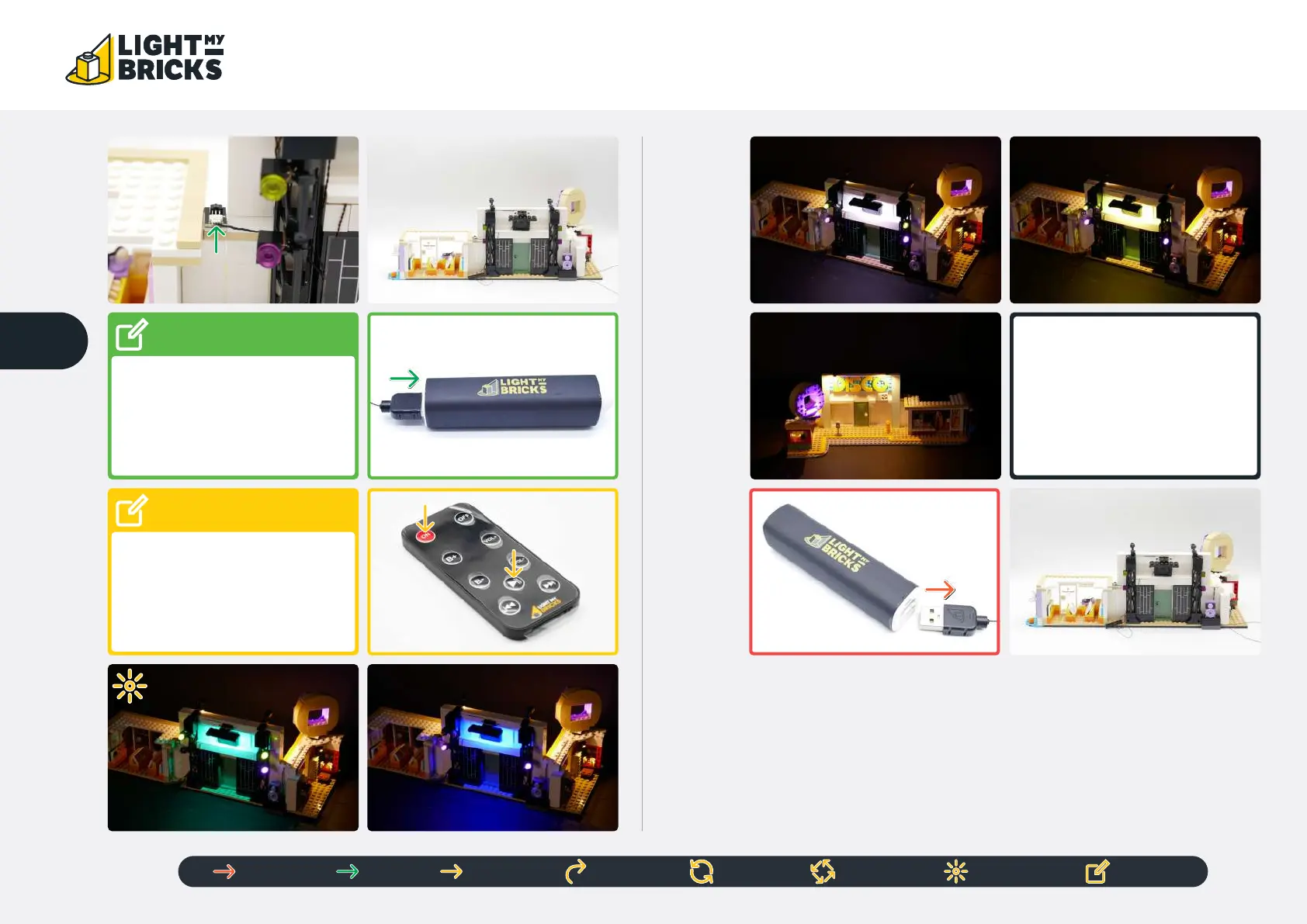
NOTE
Connect to a 5V USB Power
Bank, 5V USB Wall Adaptor, or
USB to AA Battery Pack (sold
separately)
If you experience any issues with the
lights not working and suspect an issue
with a component, please try a dierent
port on the expansion board to verify
where the fault lies (with the light or
expansion board). To correct any issues
with expansion board ports, please view
the section addressing expansion board
issues in our troubleshooting section.
!
!
NOTE
Remove the plastic sheet at the
bottom of the remote. Point at the
IR Receiver when using the remote
Press ‘ON’ to turn on the Strip Light
Then press ‘Play’ to play audio



 To Next Page