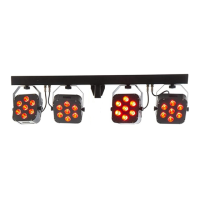
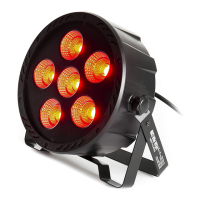
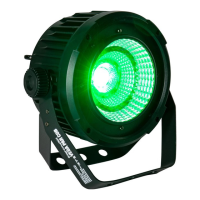
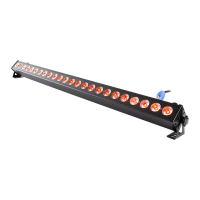
8-Channel mode (A001):
Static, Auto or Sound mode:
The device contains automatic programs that run according to fixed schemes (Auto) or are
recalled via the built-in microphone to match the music (Sound). The selection of the respective
mode takes place via the menu directly on the device.
If you connect several devices of the same type via DMX, they can be controlled simultaneously
via the master device. To do this, set the desired function "Master" on the first device of the line,
the other devices of the series must now be set as "Slave". Now the first device of the line gives
the function to all other devices and all devices run simultaneously.
Operation:
Start:
Connect the device to the mains and wait a few seconds until it is ready for operation.
RGBW Dimmer (dark to light)
Red Dimmer (dark to light)
Green Dimmer (dark to light)
Blue Dimmer (dark to light)
White Dimmer (dark to light)
RGBW Strobe (slow to fast)

 To Next Page
 Loading...