Need help?
Do you have a question about the Lightspeed Zulu 3 and is the answer not in the manual?
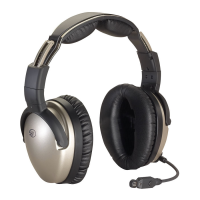
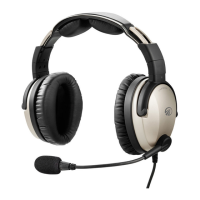
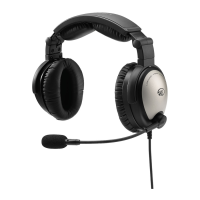
Proper headset fitting is key for comfortable use and superior Active Noise Reduction capabilities.
Instructions for opening the battery door, inserting AA batteries, and understanding LED indicators.
Explanation of LED indicators, power button, volume controls, and ComPriority button.
Steps to power the headset on and off, including auto-shutoff and low battery indications.
Steps to pair a mobile phone or device with Zulu 3 via Bluetooth wireless technology.
Outlines the terms, exclusions, and procedures for the 7-year limited warranty.
 General
| Type | Aviation Headset |
|---|---|
| Noise Reduction | Active Noise Reduction (ANR) |
| Bluetooth | Yes |
| Headphone Style | Over-ear |
| Connector | Dual GA Plugs |
| Frequency Response | 20 Hz - 20 kHz |
| Microphone | Electret |
| Impedance | 300 ohms |
| Warranty | 7-year warranty |
| Weight | 14.6 oz (including ear seals and mic boom) |

 To Next Page