LightwaveRF App Setup Guide
Planning Heating Schedules
Each heating device can be independently scheduled. This allows you to plan
when your heating comes on in each room every day. You can access and
save schedules by selecting the relevant device from the Heating Page. This
way, you can easily customise your routine as your daily activities change.
Plan the schedule for the boiler by selecting and scheduling the main
LightwaveRF Home Thermostat.
Heating Devices
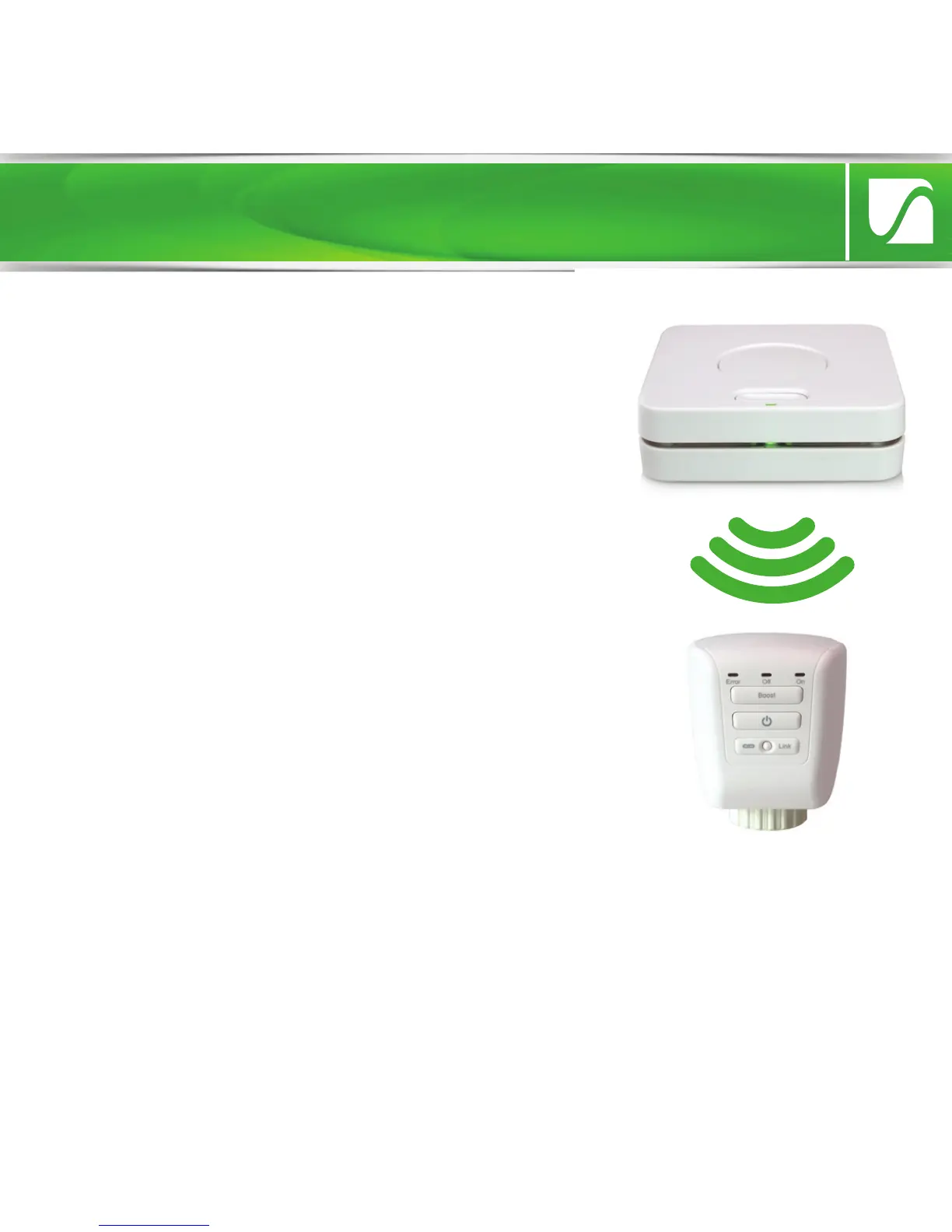
The Lightwave Link can also be used to
coordinate and schedule LightwaveRF heating
devices. Each heating device, such as
Thermostats, Radiator Valves and Boiler
Switches, can be linked to the LightwaveRF
App in the same way as other LightwaveRF
devices using the Heating Page. These devices
can be set up and controlled on the
LightwaveRF App. You can also use the
LightwaveRF Web App (accessed from
www.lightwaverf.house) to operate and
schedule
heating devices. This is ideal for use on a tablet.


 To Next Page