LightwaveRF App Setup Guide
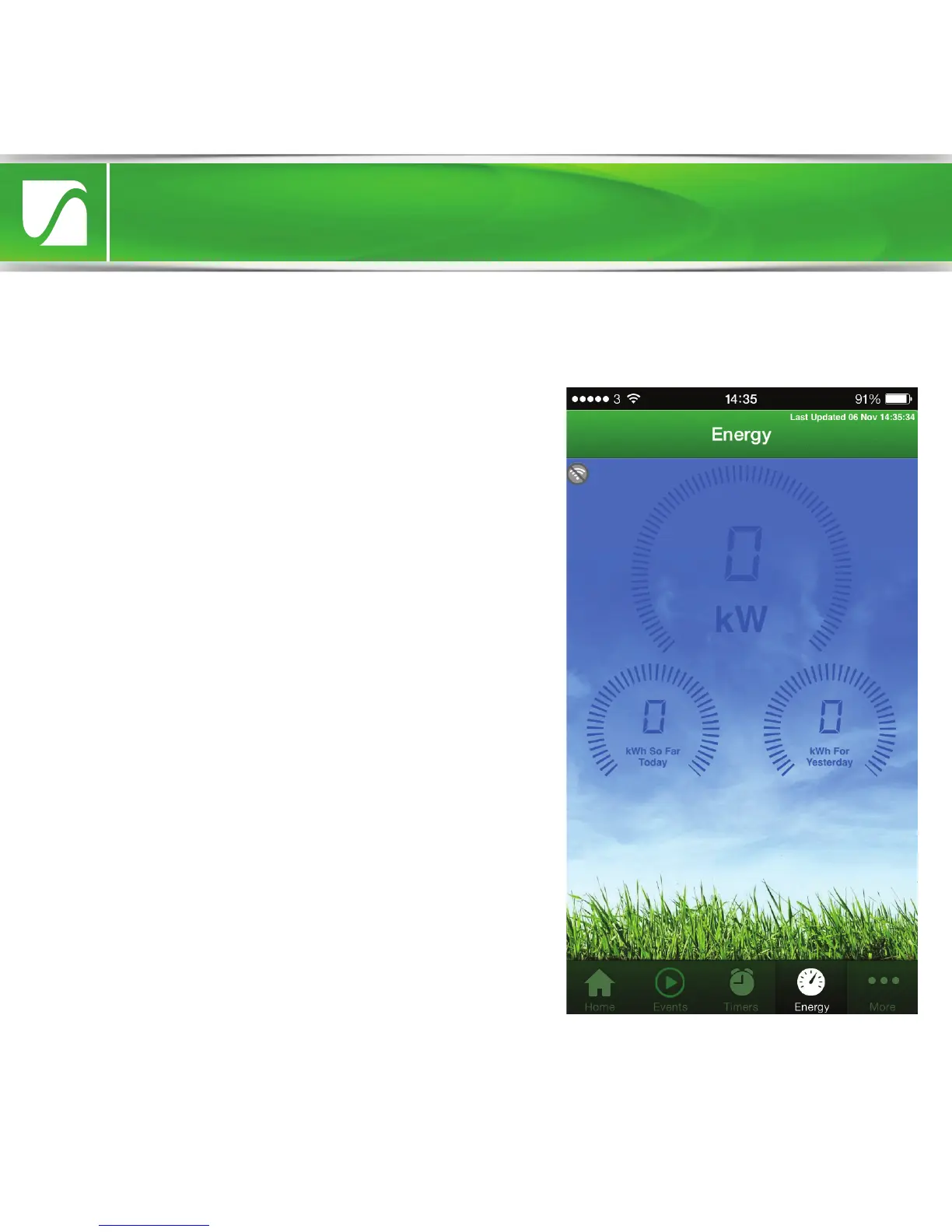
Energy Monitor
The Energy Display screen shows energy
usage information gathered from a
LightwaveRF Energy Monitor linked to the
Lightwave Link. This data is live and
updated every 15-30 seconds.
Triggers
Triggers can be displayed and accessed
using the LightwaveRF smartphone App.
They are most conveniently set up using the
Web App on a tablet. Trigger devices are
designed to send an RF signal to the
Lightwave Link whenever they are activated.
This could be by pressing a button on a
Heating Remote, by the opening of a
Magnetic Trigger, or by the detection of
movement on a PIR. The Lightwave Link will
automatically take an action that has been
preset using the App; it can turn on/o a
number of devices, trigger a mood, or even
send an ‘alert’ to your smartphone.


 To Next Page