Get Started
How do I get started?
What do I need?
A standard home WiFi router with a broadband
connection, a WiFi enabled device such as a
smartphone, and some LightwaveRF devices to
control are all that is required.
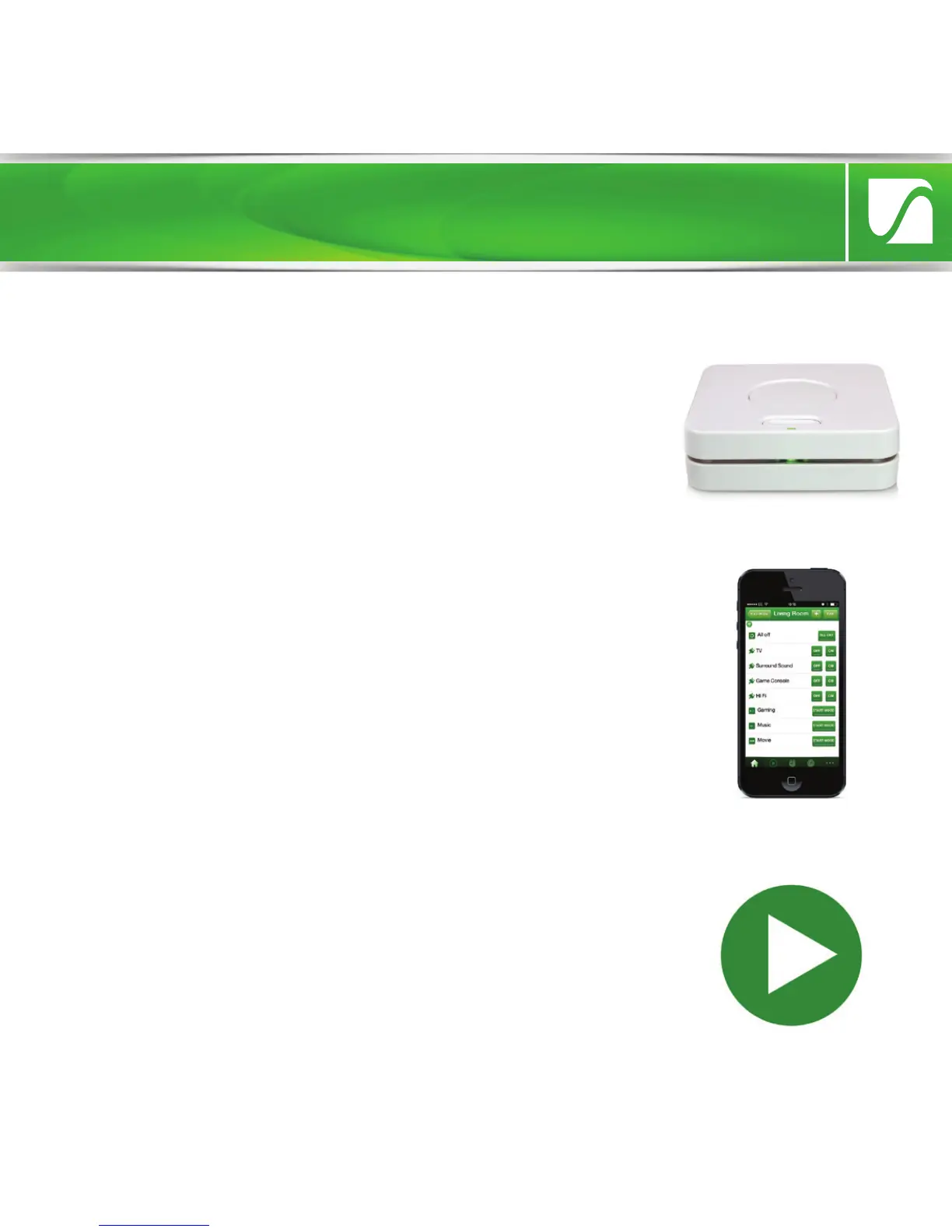
Power the Lightwave Link and connect it to your
home WiFi router. The instructions in this booklet
will explain how. The Lightwave Link will the set
itself up automatically. Download the free
‘LightwaveRF’ App and follow the in-App
instructions.
Help video & further guidance
For additional guidance, and to watch a video
that will help guide you through the installation
process, please visit the support section on
www.lightwaverf.com


 To Next Page