LightwaveRF App Setup Guide
Choosing device type & Moods
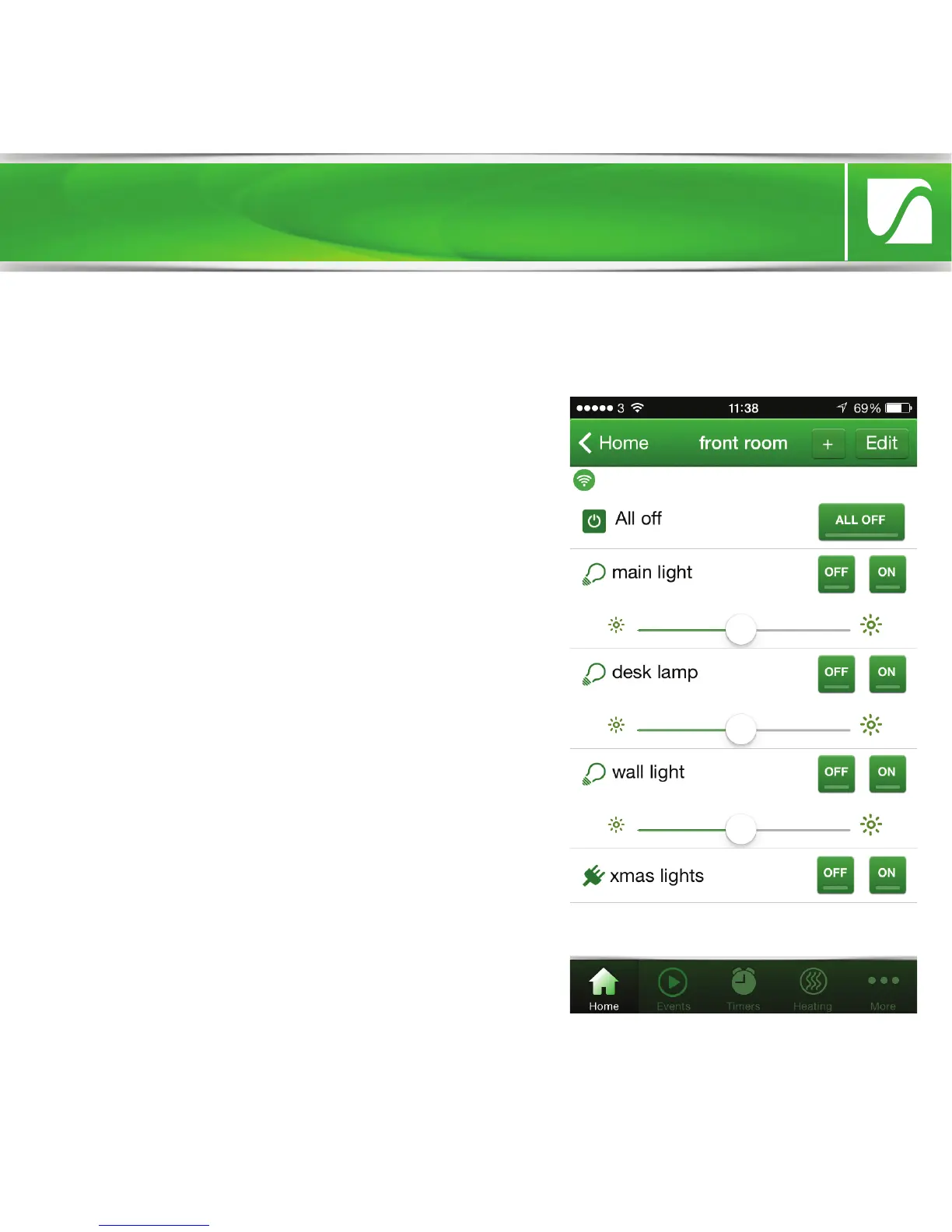
Once you have set up a room, you can
begin to populate it with LightwaveRF
devices. You need to define the device
type as this allows the correct command
buttons to be displayed when you control
that device from the App. Dimmers, for
example, should be set to ‘dimming’.
Other options for other devices include
On/o (e.g. Sockets or Relays),
Open/close (e.g. In-line Relay)
When setting up a room, you can also
select a ‘Mood’. A Mood allows you to
group together several LightwaveRF
devices and control them from one button.
You can also set the dim level or on/o
status you want the devices to come on at.


 To Next Page