2) Linked to a ‘Dimmer’ receiver (e.g. Room Control
Single Dimmer or dimmable CFR):
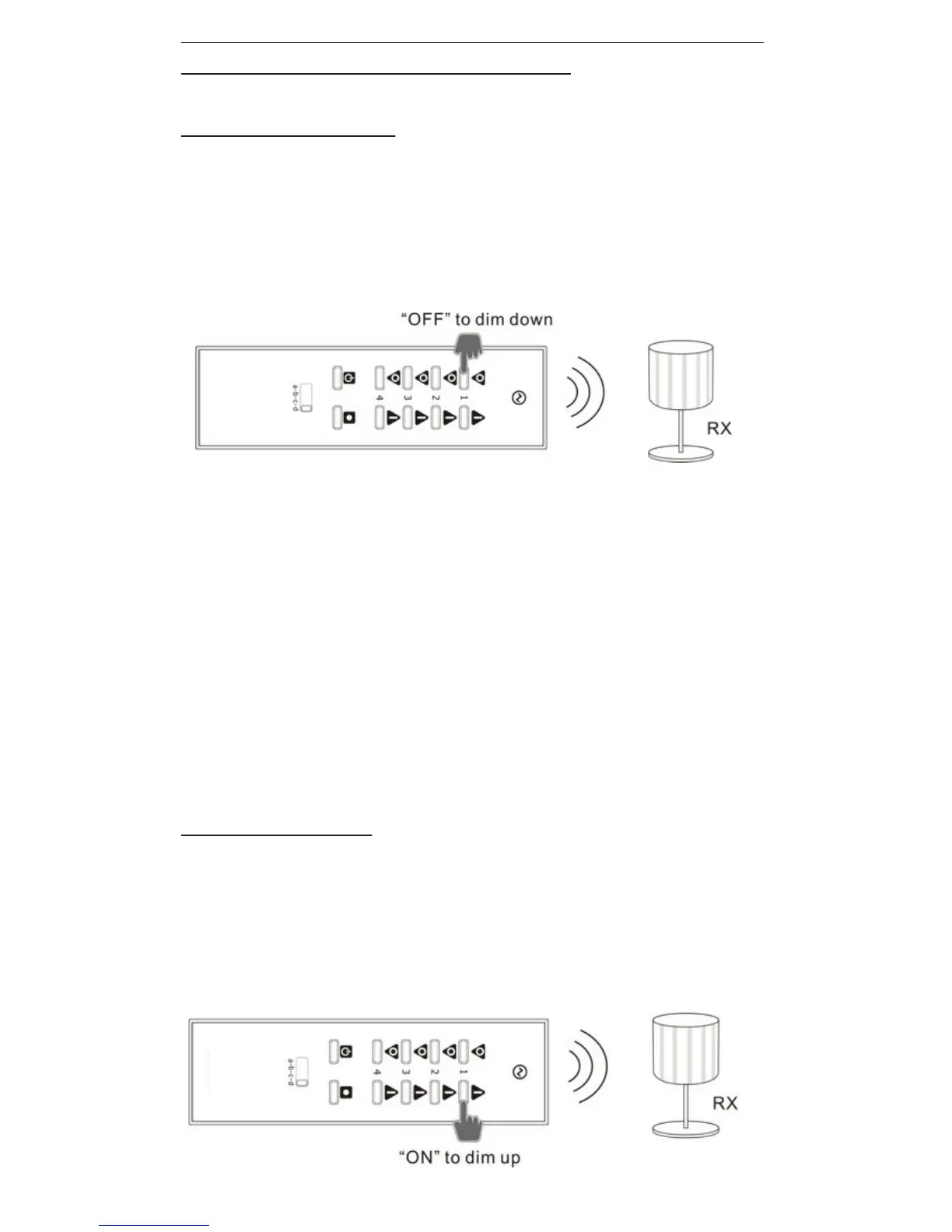
Lowering Dim Level
1. Make sure the light is switched on.
2. Hold down the ‘OFF’ button.
3. After 1 second the light will start to dim.
4. At the desired brightness level release the ‘OFF’
button.
NOTE: If the ‘OFF’ button is not released, the light will
continue to dim until it reaches its lowest possible
level (without being turned o) and stop.
Raising Dim Level
1. Make sure the light is switched on.
2. Hold down the ‘ON’ button.


 To Next Page